Upload your WebP file
Drag and drop it into the tool, or select it from your device.
FREE ONLINE IMAGE CONVERTER
Processing: Server-processed (Encrypted HTTPS)TECHNICAL SPECIFICATIONS & LIMITS
Below are the verified technical parameters, batch limits, and processing details for WebP to PNG:
| Specification | Technical Behavior |
|---|---|
| Processing Architecture | Server-processed via encrypted HTTPS API (ephemeral memory, deleted within 30 minutes) |
| Accepted Input Formats | .WEBP |
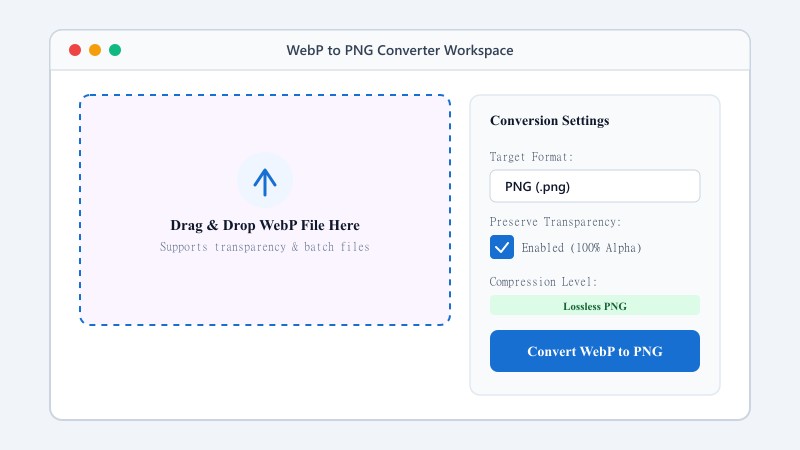
| Output Format | PNG (Lossless 24-bit/32-bit RGBA) |
| Batch Processing Limit | 10 files per batch |
| Configurable Parameters | Automatic preset optimization |
| Transparency / Alpha Handling | Preserved when output format supports alpha (PNG, WebP, ICO) |
LOSSLESS CONVERSION
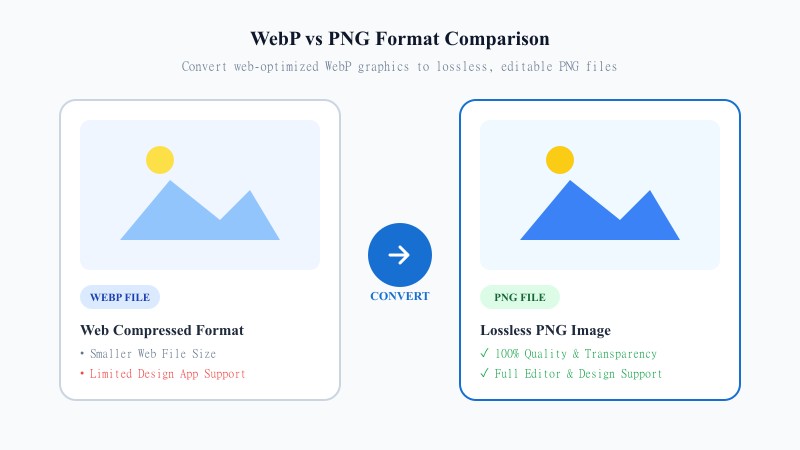
WebP is a compressed format designed by Google mainly to speed up websites. It does a great job at that, but it isn't always the right format for editing, design work, or projects that need transparent backgrounds — and it isn't fully supported across every app or platform.
PNG solves this. It's a lossless format, meaning it doesn't lose image quality through compression, and it fully supports transparency — making it the go-to choice for logos, icons, graphics, and any image you plan to edit further down the line. If you've received or downloaded a WebP image and need it in a more flexible, widely-supported format, converting it to PNG is the right move.
EASY 3-STEP PROCESS
Everything happens online from any device — no installations, no plugins, and it works the same whether you're on a phone, tablet, or computer.
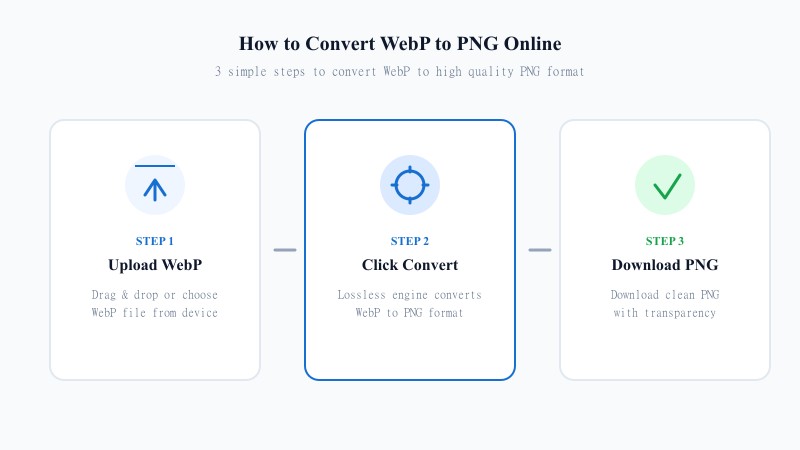
Drag and drop it into the tool, or select it from your device.
The tool converts your image to PNG format automatically.
Your converted image is ready instantly, saved directly to your device.
ORIGINAL DETAIL PRESERVED
Because PNG is a lossless format, converting from WebP to PNG is actually one of the safest conversions you can do in terms of quality — there's no additional compression applied on the way out. Our tool is built to preserve the original detail and sharpness of your WebP image, so what you get back is a clean, high-quality PNG version of your file, ready for editing or professional use.
This makes it a solid choice if you're preparing an image for design work, need a transparent background, or simply want a format that won't degrade further no matter how many times you save or re-edit it.
ANALYSIS
| Feature / Aspect | WebP Format | PNG Format |
|---|---|---|
| Compression Type | Lossy & Lossless (Web optimized) | 100% Lossless Compression |
| Transparency (Alpha Channel) | Supported (Web-oriented) | Full Alpha Support (Universal) |
| Design Software Support | Limited in legacy apps | Universal (Photoshop, Illustrator, Figma, Canva) |
| Print & Commercial Use | Low support by print shops | 100% Native Print Support |
| Image Quality Preservation | High web compression | Zero visual quality degradation |
| Best Use Case | Fast website page load speed | Logos, graphics, icons & professional editing |
PRACTICAL USES
100% FREE ONLINE TOOL
Whether you're a designer prepping assets, a developer needing a fallback image format, or just someone trying to open a WebP file that won't cooperate, this tool gets it done quickly.
REFERENCE MATRIX
| Feature | WebP Format | PNG Format |
|---|---|---|
| Lossless Transparency | Modern web format | Classic universal PNG standard |
| Editing Tool Support | Limited legacy editor support | 100% supported in all design tools |
| Pixel Quality | High efficiency compression | Uncompressed lossless accuracy |
Questions and answers
Yes, it's 100% free with no limit on the number of conversions.
No, PNG is a lossless format, so your image quality is preserved during conversion.
Yes, if your original WebP image has transparency, it will be preserved in the converted PNG.
No, everything happens online without installing any software.
Yes, your files are processed securely and are never stored or shared with anyone.
Yes, batch conversion is supported so you can convert several files in one go.