Upload your PNG image
Drag and drop your file or browse from your device.
FREE ONLINE IMAGE CONVERTER
Processing: Server-processed (Encrypted HTTPS)TECHNICAL SPECIFICATIONS & LIMITS
Below are the verified technical parameters, batch limits, and processing details for PNG to JPG:
| Specification | Technical Behavior |
|---|---|
| Processing Architecture | Server-processed via encrypted HTTPS API (ephemeral memory, deleted within 30 minutes) |
| Accepted Input Formats | .PNG |
| Output Format | JPEG (.jpg, 24-bit RGB) |
| Batch Processing Limit | 10 files per batch |
| Configurable Parameters | Automatic preset optimization |
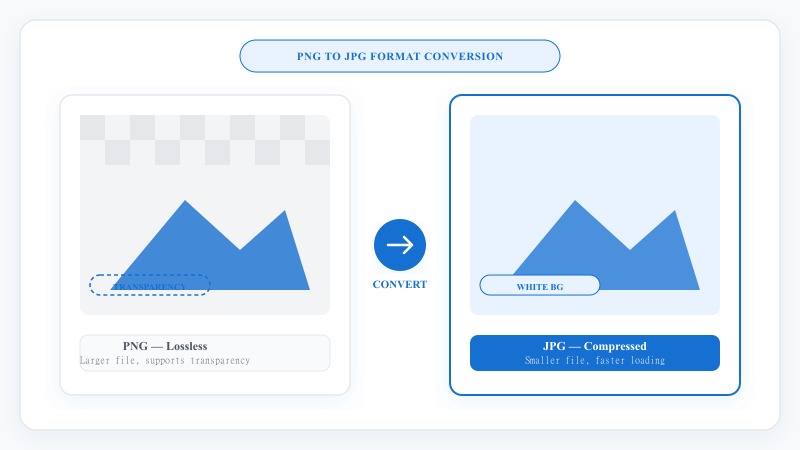
| Transparency / Alpha Handling | Flattened onto solid background (JPEG does not store an alpha channel) |
FORMAT COMPARISON
PNG files are great for transparency and sharp graphics, but they tend to be larger in size. JPG files are more compressed, load faster, and are widely supported across websites, social media, and email — making them ideal for sharing and everyday use.
Our PNG to JPG converter does this conversion instantly, keeping your image looking as close to the original as possible.
EASY 3-STEP PROCESS
No downloads, no installations — everything works online from any device, on any device.
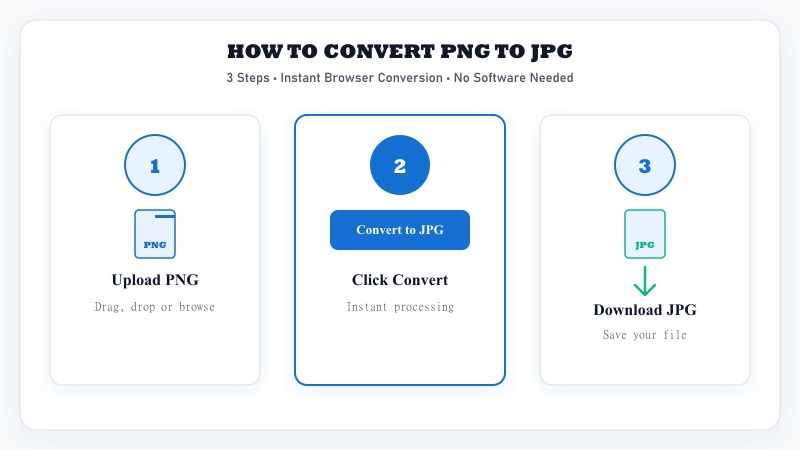
Drag and drop your file or browse from your device.
The tool converts your PNG to JPG automatically in seconds.
Save your converted JPG image directly to your device.
OPTIMIZED COMPRESSION
Since JPG is a compressed format, some quality loss is natural during conversion — but our tool is optimized to keep that loss to a minimum, so your image stays as sharp and clear as possible while reducing file size.
This makes it ideal for uploading images to websites, sending via email, or sharing on social media where smaller file sizes matter.
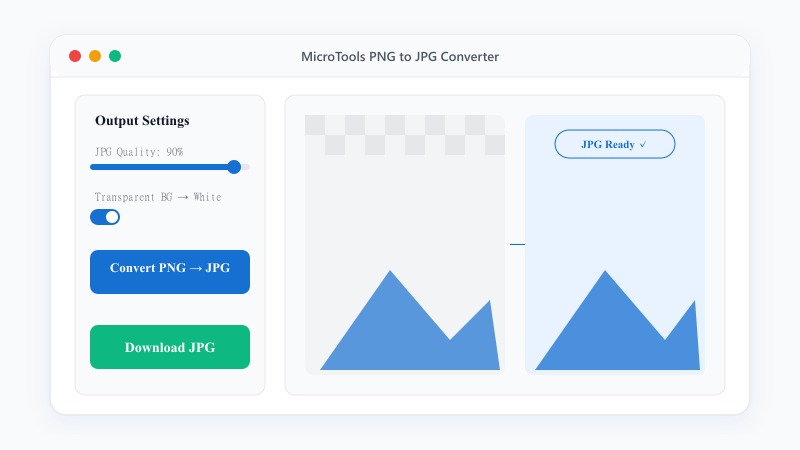
100% FREE ONLINE TOOL
REFERENCE MATRIX
| Feature | PNG Format | JPG Format |
|---|---|---|
| Compression Type | Lossless (Preserves pixel detail) | Lossy (Optimizes file size) |
| Transparency | Supported (Alpha channel) | Not supported (Solid backdrop) |
| File Size | Larger file size for complex graphics | Smaller compressed file size |
| Best Use Case | Logos, text, graphics & overlays | Photos & detailed color images |
Questions and answers
Yes, it's 100% free with unlimited conversions.
JPG is a compressed format, so there may be minimal quality loss, but our tool minimizes this to keep your image looking as close to the original as possible.
Since JPG doesn't support transparency, transparent areas will be filled with a white (or solid) background during conversion.
No, the entire conversion happens online without installing any software.
Yes, batch conversion is supported so you can convert several files together.