Upload your WebP file
Drag and drop it into the tool, or click to browse and select it from your device.
FREE ONLINE IMAGE CONVERTER
Processing: Server-processed (Encrypted HTTPS)TECHNICAL SPECIFICATIONS & LIMITS
Below are the verified technical parameters, batch limits, and processing details for WebP to JPG:
| Specification | Technical Behavior |
|---|---|
| Processing Architecture | Server-processed via encrypted HTTPS API (ephemeral memory, deleted within 30 minutes) |
| Accepted Input Formats | .WEBP |
| Output Format | JPEG (.jpg, 24-bit RGB) |
| Batch Processing Limit | 10 files per batch |
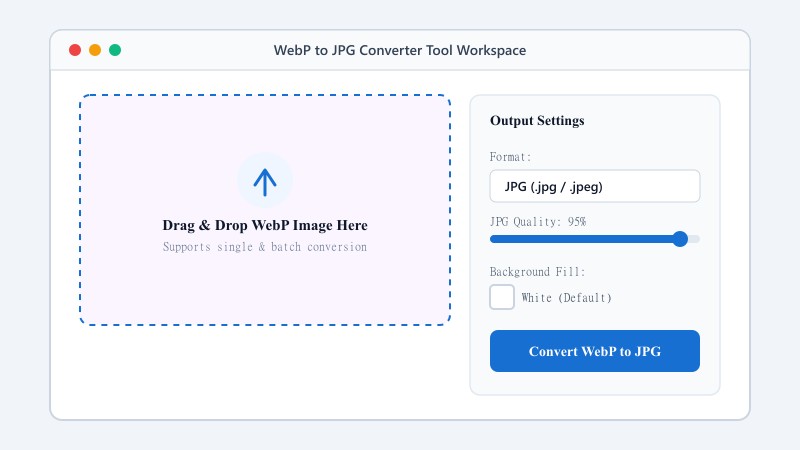
| Configurable Parameters | Automatic preset optimization |
| Transparency / Alpha Handling | Flattened onto solid background (JPEG does not store an alpha channel) |
FORMAT COMPATIBILITY
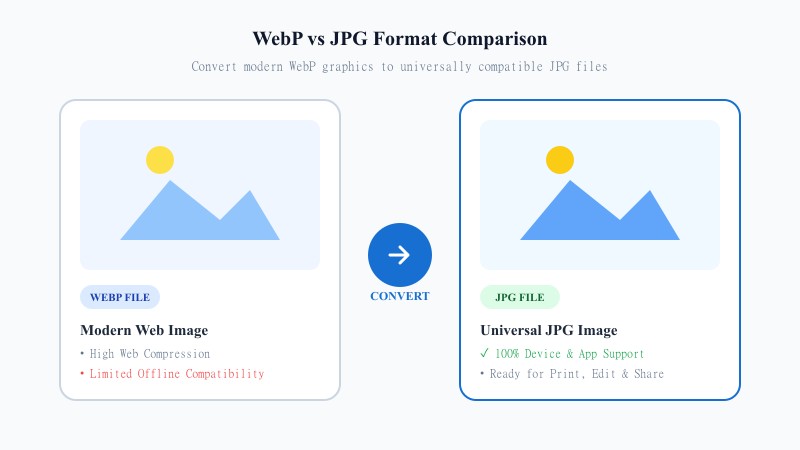
WebP was created by Google as a way to make websites load faster — it compresses images without sacrificing much visual quality, which is great for web performance. But that same efficiency creates compatibility issues elsewhere. Many older editing tools, some social media platforms, certain printers, and even a few mobile apps still don't fully support WebP.
JPG, on the other hand, is one of the oldest and most universally accepted image formats in the world. It works everywhere — every browser, every editor, every device, every printer. So when you need an image that 'just works' no matter where you're using it, converting from WebP to JPG is the simplest fix.
Our converter is built specifically for this — fast, reliable, and free.
NO SOFTWARE NEEDED
That's the entire process. No downloads, no plugins, no account creation — everything runs online from any device, whether you're on a phone, tablet, or desktop computer.
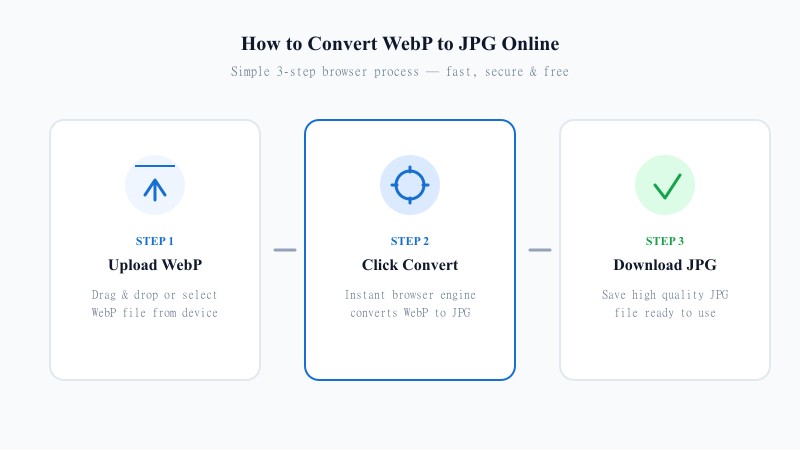
Drag and drop it into the tool, or click to browse and select it from your device.
The tool automatically processes your image and converts it to JPG format.
Your converted image is ready instantly, saved directly to your device.
QUALITY PRESERVATION
A common frustration with online converters is that they compress images too aggressively, leaving you with a blurry or pixelated result. We built this tool to avoid exactly that problem.
Our conversion engine preserves the original resolution and visual detail of your WebP file as closely as possible when converting it to JPG. Since JPG is a compressed format by nature, some minimal quality adjustment is unavoidable — but our tool keeps that difference so small it's barely noticeable to the eye. This makes it a reliable option whether you're converting images for a website, a document, a presentation, or personal use.
PRACTICAL USES
100% FREE ONLINE TOOL
Whether you're a designer, a blogger, a student, or just someone who needs to fix a stubborn image file, this tool is built to get you in and out quickly, without friction.
REFERENCE MATRIX
| Feature | WebP Format | JPG Format |
|---|---|---|
| Web Optimization | Next-generation web format | Universal legacy standard |
| Software Compatibility | Modern web browsers & apps | All legacy software, editors & OS |
| File Size Efficiency | Ultra compact compression | Standard JPEG compression |
Questions and answers
Yes, completely free, with no limit on how many files you can convert.
There may be a very slight quality adjustment since JPG is a compressed format, but our tool minimizes this so the difference is barely noticeable.
No. The entire conversion process happens online without installing any software.
Yes. Your files are processed securely and are never stored or shared.
Yes, batch conversion is supported, so you can convert multiple files in a single session.
Yes, it works on any device with a browser, including phones and tablets.