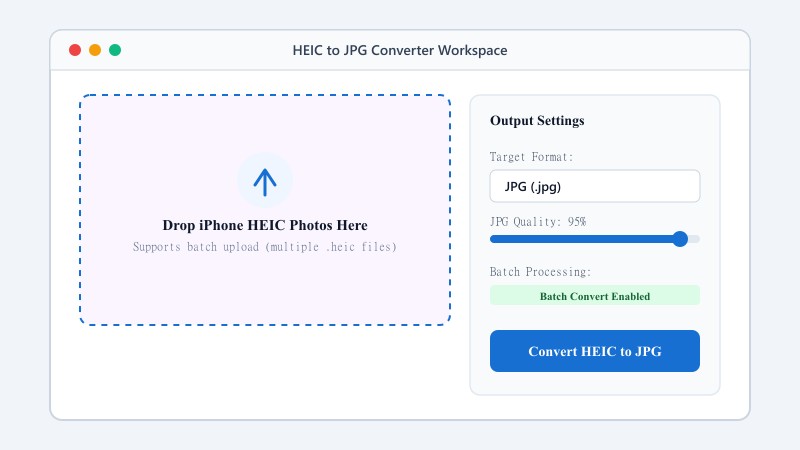
Upload your HEIC file(s)
Drag them in, or click to browse and pick them from your device.
FREE ONLINE IMAGE CONVERTER
Processing: Server-processed (Encrypted HTTPS)TECHNICAL SPECIFICATIONS & LIMITS
Below are the verified technical parameters, batch limits, and processing details for HEIC to JPG:
| Specification | Technical Behavior |
|---|---|
| Processing Architecture | Server-processed via encrypted HTTPS API (ephemeral memory, deleted within 30 minutes) |
| Accepted Input Formats | .HEIC,.HEIF |
| Output Format | JPEG (.jpg, 24-bit RGB) |
| Batch Processing Limit | 10 files per batch |
| Configurable Parameters | Automatic preset optimization |
| Transparency / Alpha Handling | Flattened onto solid background (JPEG does not store an alpha channel) |
IPHONE COMPATIBILITY FIX
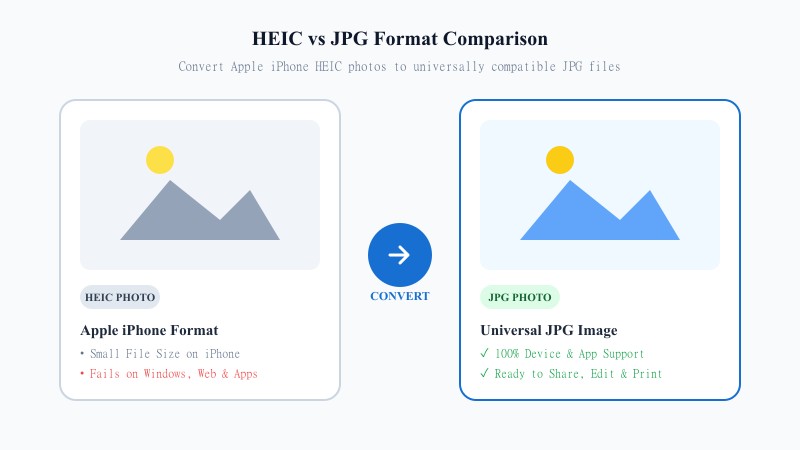
HEIC stands for High Efficiency Image Container, and credit where it's due — it does what it says. Apple uses it because it squeezes high-quality photos into much smaller file sizes than older formats. That's great for saving space on your phone. The problem shows up the moment you try to use that photo somewhere else. Plenty of Windows computers, older Android phones, random websites, and third-party apps either can't open HEIC files at all, or they open them looking wrong.
JPG doesn't have that problem. It's been around forever, and pretty much every device, browser, app, and printer on the planet knows how to handle it. So whenever you need to upload a photo, send it to someone who isn't on an iPhone, or drop it into software that just doesn't recognize HEIC, converting to JPG first is usually the quickest way around the issue.
NO SOFTWARE NEEDED
That's genuinely it. Nothing to install, no settings to fiddle with, no account required. Works the same whether you're on your phone, a tablet, or sitting at your computer.
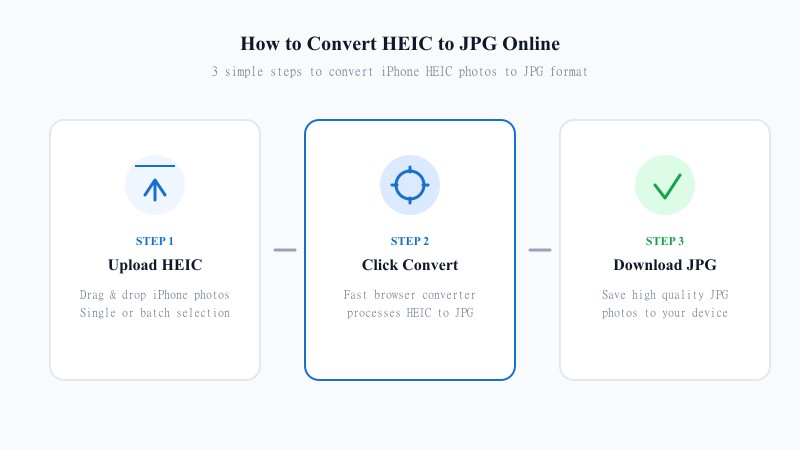
Drag them in, or click to browse and pick them from your device.
The tool processes your image and converts it into a JPG in seconds.
Your converted JPG photos are saved straight to your device.
HIGH-QUALITY BATCH CONVERSION
Quality loss is the first thing most people worry about — a lot of free converters compress images aggressively. We built this tool to preserve the original resolution and detail of your photo as much as physically possible. JPG is a compressed format at its core, so a tiny bit of adjustment is unavoidable — but here, it's kept small enough that you'd have to really zoom in to notice anything different.
Additionally, this tool lets you upload a batch of up to 10 HEIC images at once and convert the whole batch in one go — no need to sit there repeating individual uploads for every single file.
SEO FORMAT ANALYSIS
| Feature / Aspect | HEIC Format (Apple) | JPG Format (Universal) |
|---|---|---|
| File Size & Efficiency | 50% Smaller file size on iPhone | Standard file size |
| Device Compatibility | Apple ecosystem (iOS / macOS) | 100% Universal (Windows, Android, Web, Print) |
| Live Photos & Depth | Supports Live Photos & Depth data | Single static image layer |
| Software Support | Requires codecs/plugins on Windows | Native support in all apps & editors |
| Sharing & Printing | May fail on non-Apple devices | Flawless sharing, uploading & printing |
| Best Use Case | Saving iPhone camera storage | Sharing, uploading, editing & printing |
| Color Depth & Channels | 10-bit / 16-bit container support | 8-bit standard RGB profile |
100% FREE ONLINE TOOL
Questions and answers
Yes — 100% free with no hidden paywalls. You can convert up to 10 photos per batch, and run as many batches as you need.
Maybe a tiny bit, since JPG compresses images by nature, but it's kept small enough that you probably won't even notice.
Nope. It all runs online — no downloads, no software.
Yeah, just upload them together and the tool handles the whole batch.
Yes. Files are processed securely and never stored or shared afterward.
Any device with a browser works fine — Windows, Mac, Android, iOS, doesn't matter.
It's Apple's default because it saves storage without sacrificing much quality. You can switch this in your camera settings if you want, but for a quick one-off share, converting the file after the fact is usually easier.