Upload your JPG file
Drag and drop your image or select it from your device.
FREE ONLINE IMAGE CONVERTER
Processing: Server-processed (Encrypted HTTPS)TECHNICAL SPECIFICATIONS & LIMITS
Below are the verified technical parameters, batch limits, and processing details for JPG to PNG:
| Specification | Technical Behavior |
|---|---|
| Processing Architecture | Server-processed via encrypted HTTPS API (ephemeral memory, deleted within 30 minutes) |
| Accepted Input Formats | .JPG,.JPEG |
| Output Format | PNG (Lossless 24-bit/32-bit RGBA) |
| Batch Processing Limit | 10 files per batch |
| Configurable Parameters | Automatic preset optimization |
| Transparency / Alpha Handling | Preserves source pixels (converting a solid JPG to PNG does not automatically remove its background) |
FORMAT COMPARISON
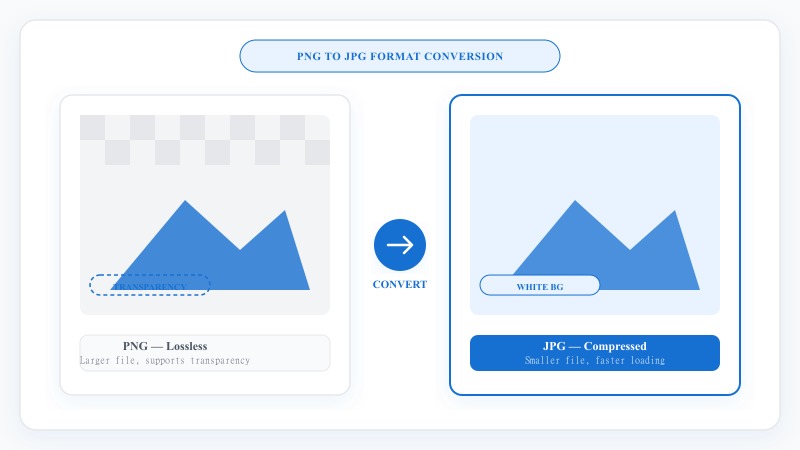
JPG is ideal for everyday photography, but it uses lossy 8x8 DCT compression that introduces block artifacts around sharp text, UI graphics, and line art every time the file is re-saved.
PNG uses lossless DEFLATE compression to preserve exact pixel values and supports 8-bit alpha channels for subsequent graphic editing. Note that converting a JPG to PNG will not automatically make a solid background transparent — because JPG lacks an alpha channel, the existing solid background is preserved losslessly unless you remove it with a background tool.
Our online JPG to PNG converter decodes your JPEG image and re-encodes it into an uncompressed, lossless 24-bit/32-bit PNG container over an encrypted HTTPS connection.
NO SOFTWARE NEEDED
No registration, no software downloads, and no technical experience needed. Works across desktop, mobile, and tablet browsers.
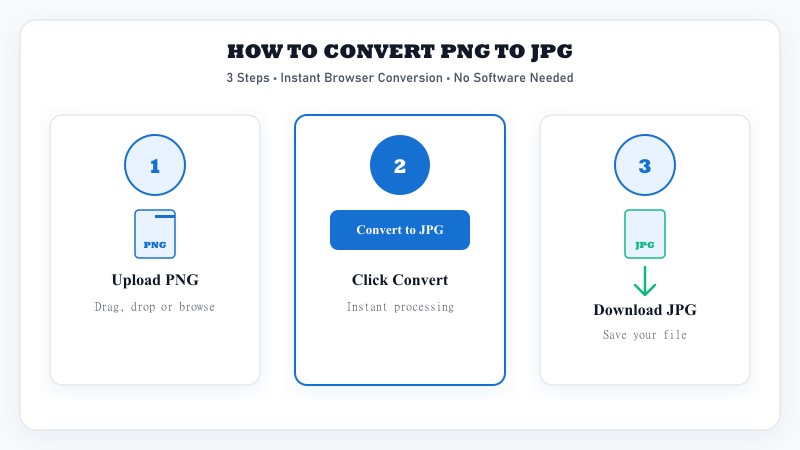
Drag and drop your image or select it from your device.
Our converter processes the file instantly.
Save your high-resolution PNG image immediately.
LOSSLESS QUALITY
Many basic converters compress images during output, leaving results blurry or pixelated. Our tool preserves full pixel clarity and original image dimensions.
Whether preparing images for printing, web development, or creative editing, this converter delivers uncompromised quality.
100% FREE UTILITY
Enjoy free, private, and unrestricted file conversion:
REFERENCE MATRIX
| Feature | JPG Format | PNG Format |
|---|---|---|
| Compression Type | Lossy (Reduces file size) | Lossless (Preserves pixel details) |
| Transparency Support | No (Solid background only) | Yes (Alpha channel transparency) |
| Best Use Case | Digital photos & web images | Logos, graphics, text & overlays |
| Editing Integrity | Degrades with multiple re-saves | Maintains clarity over repeated edits |
| Color Range | 16.7 million colors (24-bit) | 16.7 million colors + 256 transparency levels |
Questions and answers
No. JPG files do not contain an alpha transparency channel, so converting a JPG to PNG preserves the existing solid background inside a lossless PNG container. To remove or replace a solid background, use our Change Background tool.
No. PNG uses lossless DEFLATE compression, meaning every pixel decoded from your source JPG is preserved without introducing additional generation loss.
JPG achieves small file sizes by discarding high-frequency color detail (lossy compression). PNG stores exact pixel values losslessly, which increases file size—especially on complex photographic images.
Yes. You can upload and convert up to 10 JPG or JPEG files in a single batch (up to 15 MB per file).
Your files are transmitted over an encrypted HTTPS connection to our image conversion API, converted in memory, and returned directly to your browser without being shared or published.
No installation or signup is required. The converter works in any modern desktop or mobile browser.