How to Compress & Convert Images Without Losing Quality in 2026
Learn practical, verifiable techniques to resize, compress, and convert web images into WebP and AVIF without sacrificing visual clarity.
Read guideFREE ONLINE IMAGE CONVERTER
Processing: Server-processed (Encrypted HTTPS)TECHNICAL SPECIFICATIONS & LIMITS
Below are the verified technical parameters, batch limits, and processing details for SVG to JPG:
| Specification | Technical Behavior |
|---|---|
| Processing Architecture | Server-processed via encrypted HTTPS API (ephemeral memory, deleted within 30 minutes) |
| Accepted Input Formats | .SVG |
| Output Format | JPEG (.jpg, 24-bit RGB) |
| Batch Processing Limit | 10 files per batch |
| Configurable Parameters | Width; Height |
| Transparency / Alpha Handling | Flattened onto solid background (JPEG does not store an alpha channel) |
UNIVERSAL COMPATIBILITY
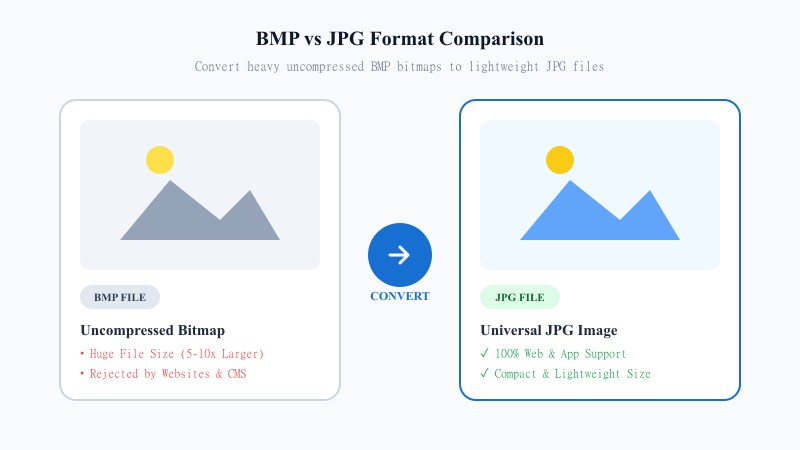
SVG files are built differently than most images — instead of pixels, they're made up of code and mathematical paths, which is why they scale to any size without losing sharpness. That's fantastic for design and development, but it also means a lot of everyday apps, email clients, and platforms simply aren't built to handle them.
JPG solves that instantly. It's one of the oldest, most universally recognized image formats around, and it works absolutely everywhere — every device, every browser, every printer, every upload form. If you need a graphic that plays nice with virtually any software or platform, converting SVG to JPG is the simplest way to get there.
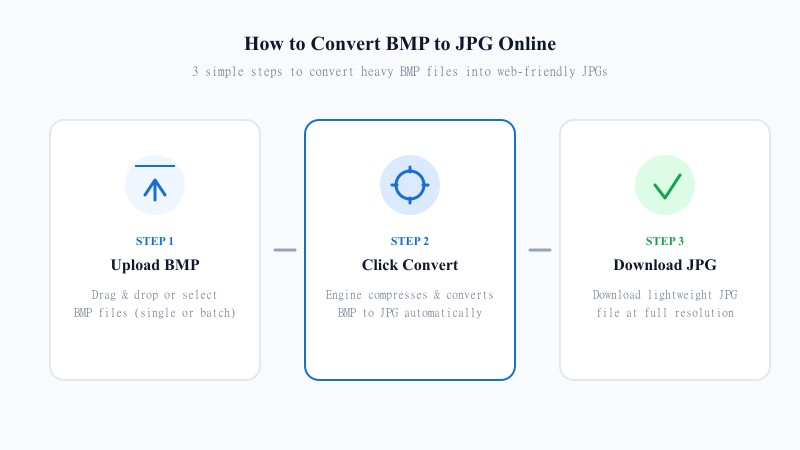
EASY 3-STEP PROCESS
No need for Illustrator, Figma, or any design tool. This converter does the work online from any device:
HIGH RESOLUTION
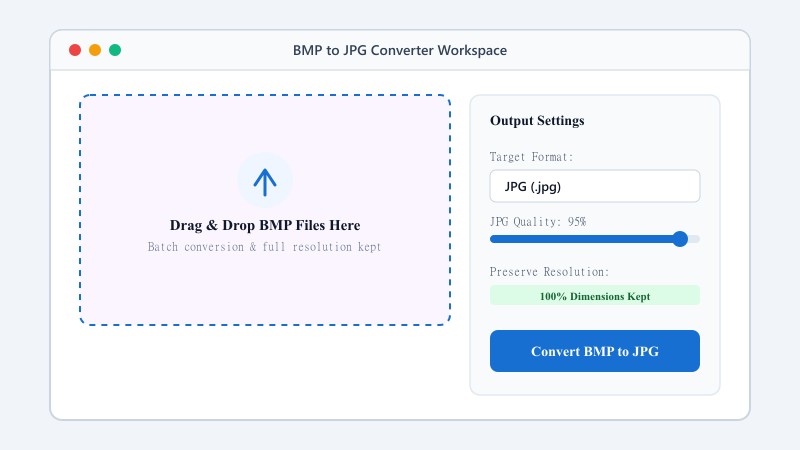
Because SVG doesn't have a fixed resolution, this tool renders it at a high resolution before converting it to JPG, so you're not left with something blurry or jagged around the edges. One thing worth knowing: JPG doesn't support transparency, so if your SVG has a transparent background, it'll be filled in with a solid color (usually white) during conversion. Aside from that, the image quality stays sharp and close to the original.
Plenty of free converters online produce low-resolution or oddly compressed results without warning you. This one doesn't. It's built to output a clean, high-quality JPG every time, rendered at a resolution that holds up whether you're using it in a document, on a website, or sending it to print.
USE CASES
FORMAT COMPARISON
SVG is engineered for scalable UI design, vector editing, and web resolution independence. JPG is built for universal compatibility, lightweight storage, email attachments, and legacy app imports. Converting SVG to JPG flattens vector paths into a universally viewable pixel-based image.
| Feature / Aspect | SVG Format (Scalable Vector) | JPG Format (Universal JPEG) |
|---|---|---|
| Core Architecture | XML Code & Vector Curves | Compressed Pixel Matrix |
| Universal Compatibility | Web Browsers & Design Apps | 100% Support Across All Devices & OS |
| Transparency Support | Full Alpha Channel Support | No (Solid Background Flattening) |
| Scaling Quality | Infinite Sharpness | Fixed Pixel Dimensions |
| Primary Application | Responsive Websites & Vector Art | Email, Social Media, Office Docs & Printing |
100% FREE ONLINE TOOL
REFERENCE MATRIX
| Feature | SVG Vector | JPG Raster |
|---|---|---|
| File Structure | XML code & path data | Compressed pixel array |
| Sharing & Print | Design software dependent | Universal email & print standard |
| Background Layer | Transparent / Code defined | Solid opaque background |
Questions and answers
Yes, completely free, with no limit on how many files you can convert.
Since JPG doesn't support transparency, any transparent areas in your SVG will be filled with a solid background (usually white) after conversion.
No, the entire conversion happens online without installing any software — no software needed.
No, the tool renders your SVG at a high resolution before converting, so the JPG comes out sharp.
Yes, files are processed securely and never stored or shared.
Yes, batch conversion is supported so you can convert several files in one go.