How to Compress & Convert Images Without Losing Quality in 2026
Learn practical, verifiable techniques to resize, compress, and convert web images into WebP and AVIF without sacrificing visual clarity.
Read guideFREE ONLINE IMAGE CONVERTER
Processing: Server-processed (Encrypted HTTPS)TOOL OVERVIEW
You need just one page out of a PDF as an actual image — to drop into a presentation, post on social media, or paste into a document — but PDFs don't exactly cooperate with that. Screenshotting looks blurry, and not everyone has a PDF editor handy. Converting the PDF straight to JPG or PNG solves it cleanly, and it's free, fast, and doesn't require any software.
TECHNICAL SPECIFICATIONS & LIMITS
Below are the verified technical parameters, batch limits, and processing details for PDF to Image:
| Specification | Technical Behavior |
|---|---|
| Processing Architecture | Server-processed via encrypted HTTPS API (ephemeral memory, deleted within 30 minutes) |
| Accepted Input Formats | |
| Output Format | PNG or JPG (per-page rasterized images) |
| Batch Processing Limit | 10 files per batch |
| Configurable Parameters | Format (jpg, png); DPI (72–300, default 200) |
| Transparency / Alpha Handling | Preserved when output format supports alpha (PNG, WebP, ICO) |
PDFs are great for documents, but they're a locked format when it comes to visual use. You can't easily drag a PDF into a slide deck, use it as a thumbnail, or upload it somewhere that expects a JPG or PNG. Converting each page into an actual image file opens up all of that — now you've got something you can crop, resize, insert into other documents, or share on platforms that don't accept PDFs at all.
Which format you pick — JPG or PNG — depends on what you're doing with it. JPG gives you a smaller file, ideal for photos or general sharing. PNG keeps every detail crisp with lossless compression, which matters more for text-heavy pages, diagrams, or anything with fine lines you don't want blurred.
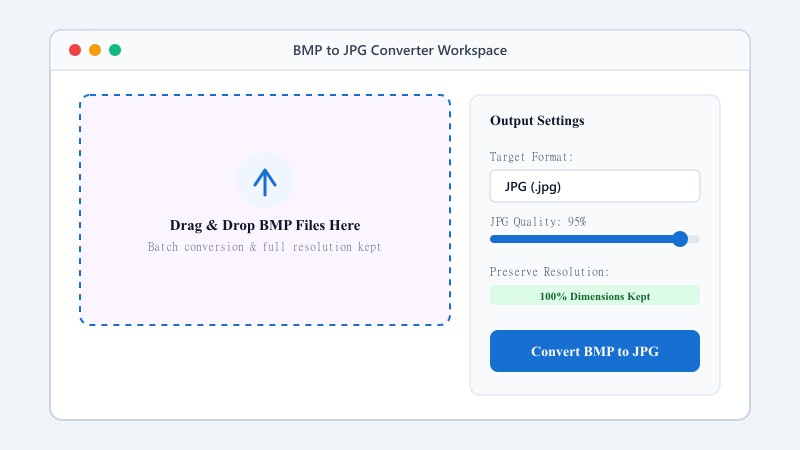
No Adobe Acrobat, no installs — just your browser:
That's the whole process for both formats. Whether you need one page or all of them, the steps stay the same.
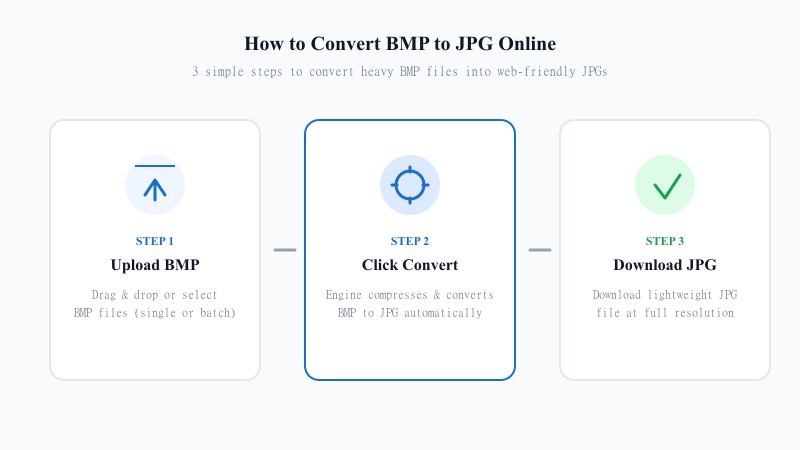
JPG is a compressed format, so there's technically some quality trade-off — but it's minimal at a well-tuned compression level, which is what this tool uses by default. For most everyday use — sharing a page, embedding an image in a document, posting online — you won't notice any real difference from the original PDF page.
If you're working with a scanned document, photo-heavy PDF, or anything where visual fidelity matters more than file size, JPG at high quality settings is usually more than sufficient.
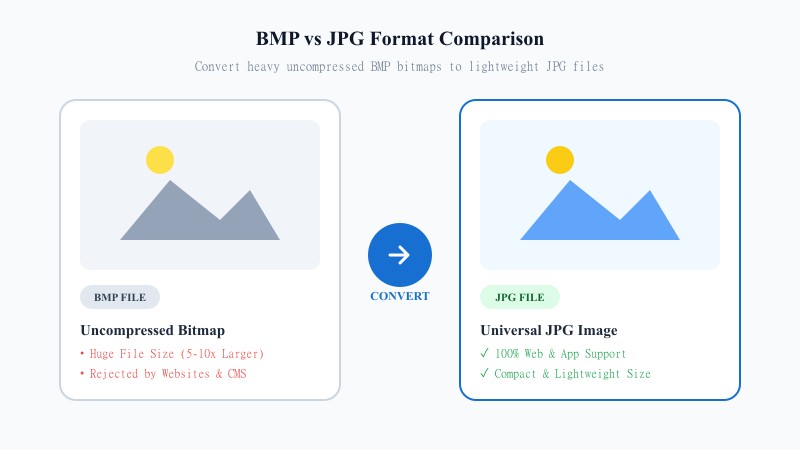
If you need maximum sharpness — say, for a diagram, chart, screenshot-heavy PDF, or anything with text you want to stay crisp — PNG is the better call. It's lossless, meaning no compression artifacts at all, and the tool renders each page at high resolution by default rather than a scaled-down preview size. That matters if you're going to zoom in, print the image, or use it somewhere quality really counts.
Keep in mind PNG files will be noticeably larger than JPG for the same page, since nothing gets compressed away. That's the trade-off for the extra sharpness.
REFERENCE MATRIX
| Feature / Aspect | PDF Document Format | Converted JPG / PNG Image |
|---|---|---|
| Application Compatibility | Limited to PDF readers & document viewers | Universal support across all apps, web & social media |
| Editing & Cropping | Requires specialized PDF editing software | Easily edited, cropped, or filtered in any photo tool |
| Embedding in Presentations | Cannot be embedded directly as an image slide | Directly insertable into PowerPoint, Keynote & Docs |
| File Size & Compression | Fixed document bundle structure | Optimized image compression (JPG for speed, PNG for crisp text) |
| Page Extraction | Viewing requires navigating full PDF document | Individual pages saved as standalone high-res image files |
Questions and answers
Yes, completely free with no hidden costs.
JPG is better for smaller files and general sharing; PNG is better when you need maximum sharpness, like for text or diagrams.
There's minor compression involved, but at normal settings, it's rarely noticeable.
Yes, PNG conversion is lossless and rendered at high resolution by default.
No, everything happens online without installing any software.
Yes, files are processed securely and not stored or shared afterward.
Yes, you can convert the entire document, and each page becomes its own image file.