Upload your ICO file
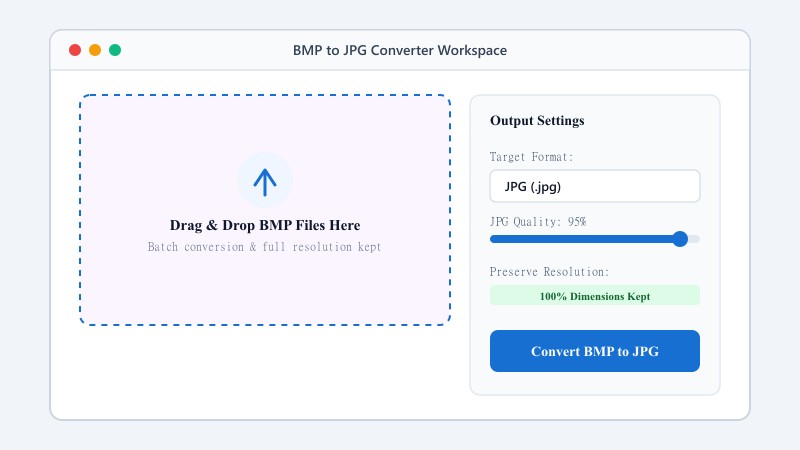
Select or drag and drop your ICO icon file.
FREE ONLINE IMAGE CONVERTER
Processing: Server-processed (Encrypted HTTPS)TECHNICAL SPECIFICATIONS & LIMITS
Below are the verified technical parameters, batch limits, and processing details for ICO to PNG/JPG:
| Specification | Technical Behavior |
|---|---|
| Processing Architecture | Server-processed via encrypted HTTPS API (ephemeral memory, deleted within 30 minutes) |
| Accepted Input Formats | .ICO |
| Output Format | PNG or JPG (selected in workspace) |
| Batch Processing Limit | 10 files per batch |
| Configurable Parameters | Format (png, jpg) |
| Transparency / Alpha Handling | Preserved when output format supports alpha (PNG, WebP, ICO) |
ICON EXTRACTION
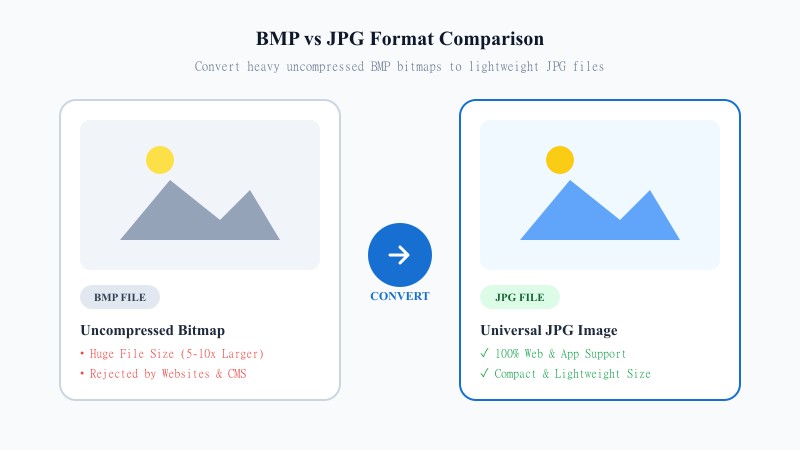
Windows ICO files and website favicons are specially formatted icon containers that hold multiple icon resolutions inside a single file. However, standard photo viewers, graphic editors, and web pages cannot easily view or edit raw ICO files.
Converting ICO files to PNG or JPG extracts the high-resolution icon layers into standard, universally supported image formats that are easy to view, edit, print, or share.
EASY 3-STEP PROCESS
Works instantly in any desktop or mobile browser with zero software downloads or registration.
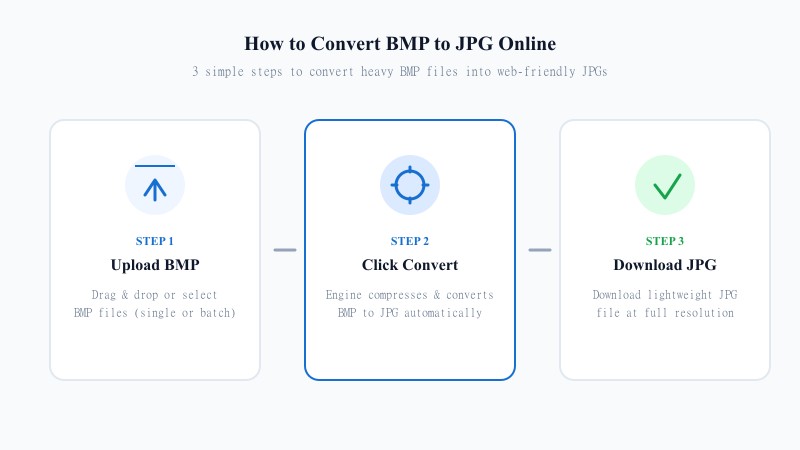
Select or drag and drop your ICO icon file.
Pick PNG to preserve transparency or JPG for compact file size.
Save your high-resolution image file immediately.
HIGH RESOLUTION EXTRACTION
Our converter analyzes all icon dimensions stored inside the ICO container and renders the highest available resolution up to 256x256 pixels.
Original color profiles, sharp pixel edges, and transparent backdrops are 100% preserved.
REFERENCE MATRIX
| Feature | ICO Format | PNG / JPG Format |
|---|---|---|
| Primary Purpose | Windows desktop icons & web favicons | Universal web, print & digital graphics |
| Layer Support | Bundles multiple resolution layers (16x16 to 256x256) | Single flat resolution image file |
| Compatibility | Restricted to browser tabs & Windows OS | Universally supported across all apps & platforms |
| Transparency | Supports binary or alpha transparency | PNG supports 8-bit alpha transparency; JPG is solid |
Questions and answers
Yes, 100% free with no hidden limits or charges.
Yes, our converter extracts the icon sizes into clean PNG or JPG images.
Yes, converting to PNG preserves any transparent layers present in the original ICO file.