How to Compress & Convert Images Without Losing Quality in 2026
Learn practical, verifiable techniques to resize, compress, and convert web images into WebP and AVIF without sacrificing visual clarity.
Read guideFREE ONLINE IMAGE CONVERTER
Processing: Server-processed (Encrypted HTTPS)TECHNICAL SPECIFICATIONS & LIMITS
Below are the verified technical parameters, batch limits, and processing details for AVIF to JPG:
| Specification | Technical Behavior |
|---|---|
| Processing Architecture | Server-processed via encrypted HTTPS API (ephemeral memory, deleted within 30 minutes) |
| Accepted Input Formats | .AVIF |
| Output Format | JPEG (.jpg, 24-bit RGB) |
| Batch Processing Limit | 10 files per batch |
| Configurable Parameters | Automatic preset optimization |
| Transparency / Alpha Handling | Flattened onto solid background (JPEG does not store an alpha channel) |
MAXIMUM COMPATIBILITY
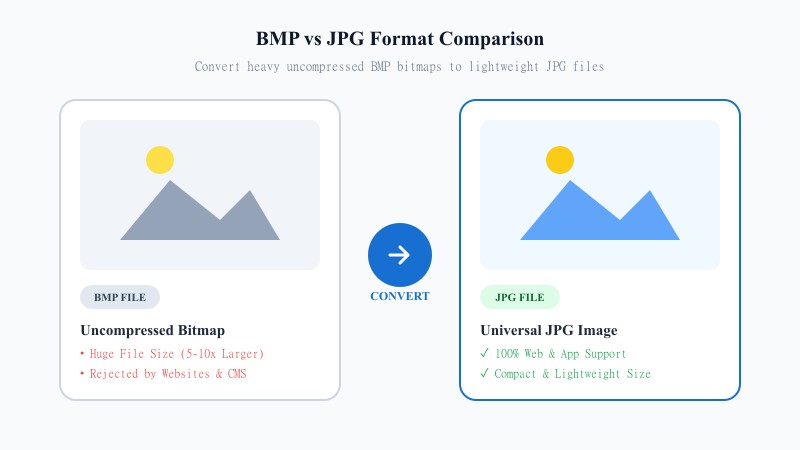
AVIF is a newer image format built for excellent compression — it can produce smaller files than JPG at similar quality, which is why more websites are adopting it. The catch? Compatibility. Plenty of image editors, older phones, some email clients, and various apps still don't recognize AVIF at all. You upload it somewhere, and it just... doesn't display.
JPG, meanwhile, is the format literally every device and platform has supported for decades. Converting AVIF images to JPG for better compatibility means you're trading a slightly more efficient format for one that works absolutely everywhere — no compatibility gambling, no broken thumbnails, no 'unsupported file type' errors.
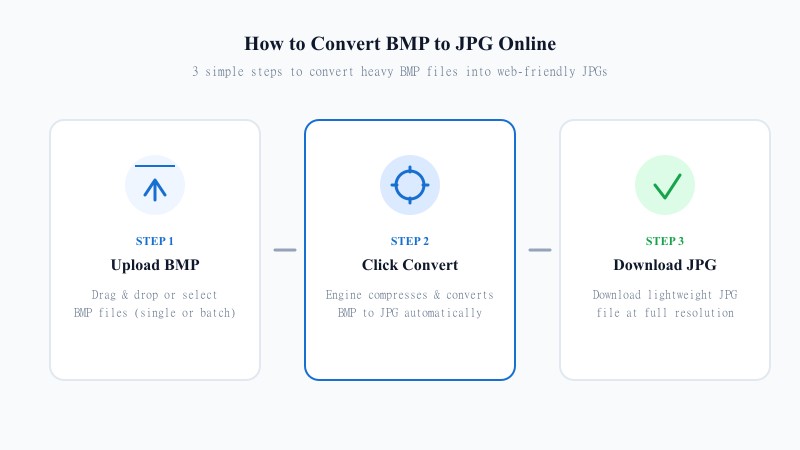
EASY 3-STEP PROCESS
No installs, no apps, no fuss. Here's how to convert AVIF to JPG without any software, online in seconds:
HIGH RESOLUTION
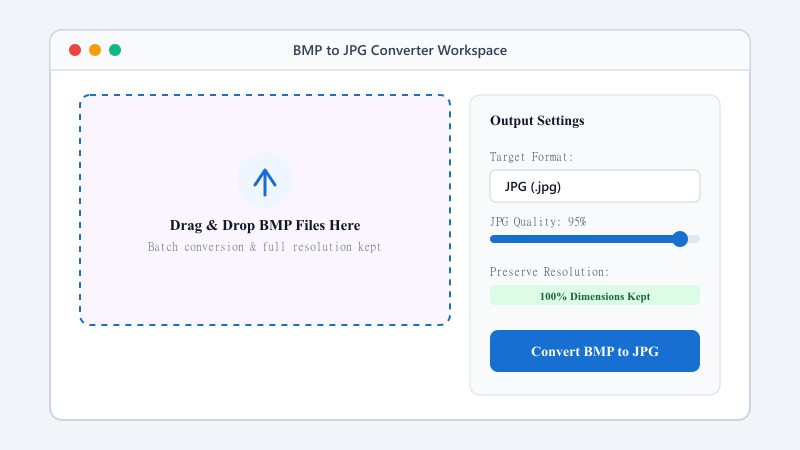
A little, but it's usually not something you'll notice. JPG is a lossy format, so converting to it involves some compression — the best way to convert AVIF to JPG without losing quality is to use a high compression quality setting, which is exactly what this tool defaults to. At normal viewing sizes, the difference between your original AVIF and the converted JPG is minimal.
Resolution isn't affected either — your image comes out at the exact same dimensions it went in with. The tool doesn't resize or crop anything during conversion.
One real limitation worth mentioning: JPG doesn't support transparency. If your AVIF file has any transparent areas (AVIF does support alpha channels), that transparency will be flattened into a solid background when converted to JPG. If you need to keep transparency intact, converting to PNG instead is the better move.
USE CASES
FORMAT COMPARISON
AVIF offers cutting-edge compression efficiency and smaller file sizes for modern web delivery, but suffers from fragmented software support. JPG offers 100% universal compatibility across every existing OS, app, email client, and social platform. Converting AVIF to JPG guarantees your files can be viewed anywhere without errors.
| Feature / Aspect | AVIF Format (AV1 Image) | JPG Format (Universal JPEG) |
|---|---|---|
| Compatibility | Modern Browsers only (Fragmented) | 100% Universal Across All Devices & Apps |
| Compression Efficiency | Next-Gen High Efficiency | Standard JPEG Compression |
| Transparency Support | Supported (Alpha Channel) | No (Solid Background Only) |
| Processing | Heavy Decoder CPU requirement | Lightweight & Fast Rendering |
| Best Use Case | Modern Web Delivery & Performance | Email Attachments, Social Media & Printing |
100% FREE & LOCAL
REFERENCE MATRIX
| Feature | AVIF Format | JPG Format |
|---|---|---|
| Codec Standard | AV1 keyframe based compression | JPEG compression standard |
| Compatibility | Requires modern browser engines | Universal backwards compatibility |
| Compression Ratio | Extreme next-gen compression | Standard lossy ratio |
Questions and answers
Yes, completely free with no hidden fees.
Your files are uploaded over an encrypted HTTPS connection to our conversion API, converted in memory, and automatically deleted within 30 minutes.
There's some compression since JPG is lossy, but at normal quality settings, it's barely noticeable.
No, everything runs online from any device.
Yes — since files stay on your device, there's no upload or server storage involved.
Yes, batch conversion is supported for converting several files together.
JPG doesn't support transparency, so any transparent areas will convert to a solid background. Use PNG instead if you need to keep transparency.