Open the removal tool
Launch the watermark remover tool online from any device.
FREE ONLINE AI WATERMARK REMOVER
Processing: Server-processed (Encrypted HTTPS)TECHNICAL SPECIFICATIONS & LIMITS
Below are the verified technical parameters, batch limits, and processing details for Remove Watermark Area:
| Specification | Technical Behavior |
|---|---|
| Processing Architecture | Server-processed via encrypted HTTPS API (ephemeral memory, deleted within 30 minutes) |
| Accepted Input Formats | JPG, JPEG, PNG, WEBP |
| Output Format | Preserves source image format (JPG, PNG, or WebP) |
| Batch Processing Limit | 10 files per batch |
| Configurable Parameters | X; Y; Width; Height |
| Transparency / Alpha Handling | Preserved when output format supports alpha (PNG, WebP, ICO) |
AI IMAGE CLEANUP
There are plenty of legitimate reasons to clean up an image. You might have watermarked a draft or proof version of your own photo and now need the final, unmarked copy. A scanned document might have a distracting stamp, timestamp, or stray text overlay that makes it harder to read. Or a photo you took might have an object in the background — a stray sign, a trash can, an unwanted element — that you'd rather not be in the shot.
AI-based removal tools handle this by analyzing the pixels around the marked or unwanted area and intelligently filling in what should be there instead, based on the surrounding image — a much faster process than manually cloning and patching pixels by hand in an editing program.
Note: This tool is intended for cleaning up your own images or content you have the rights to edit.
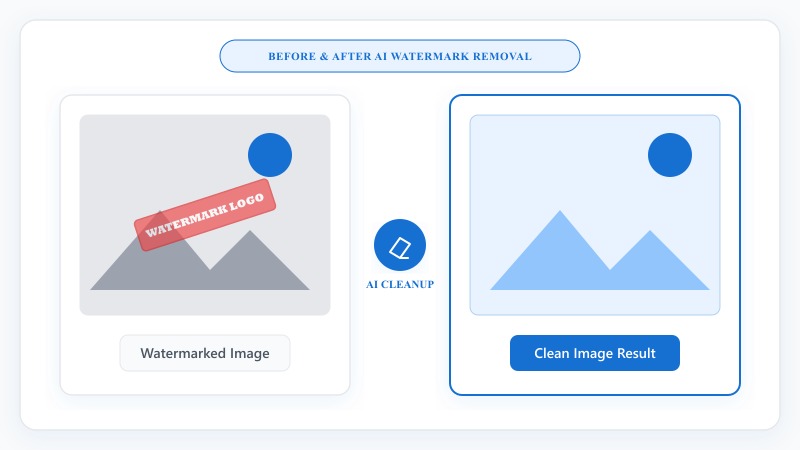
NO PHOTOSHOP REQUIRED
That's how to remove a watermark from an image start to finish — no manual cloning, no pixel-by-pixel editing required.
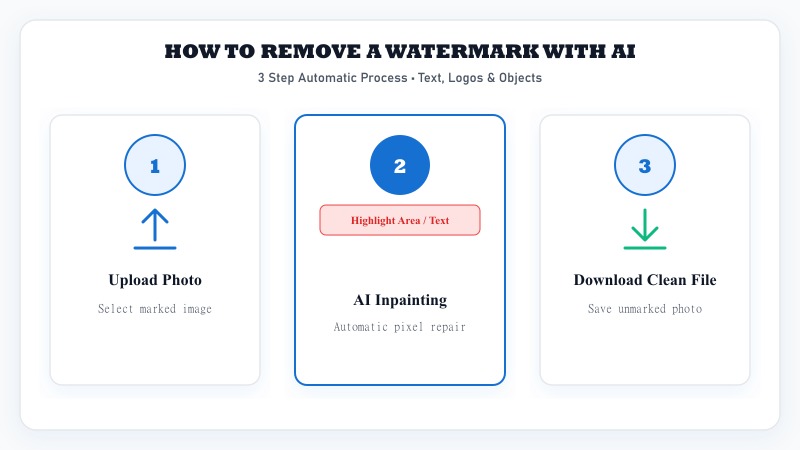
Launch the watermark remover tool online from any device.
Select JPG or PNG photos from your device.
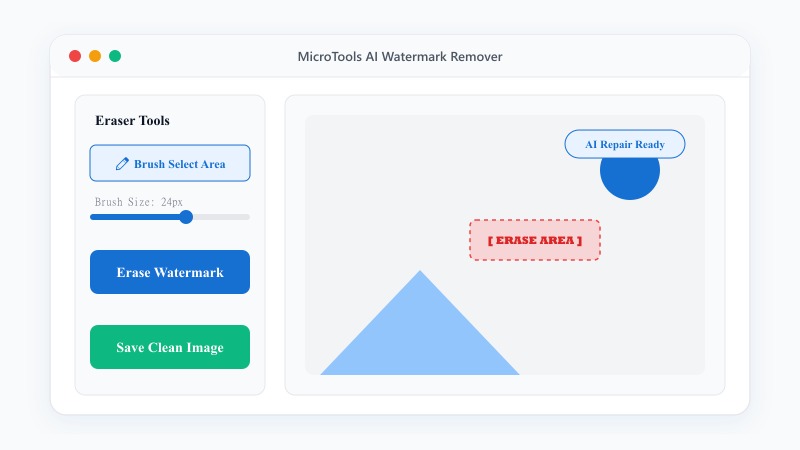
Highlight the watermark, text, or unwanted object area.
The AI analyzes surrounding pixels and fills in the area automatically.
Save your cleaned-up image in full quality.
REMOVAL CAPABILITIES
REMOVAL QUALITY GUIDE
AI removal is impressive, but it's not magic — results depend heavily on what's around the area being removed. A watermark or object over a simple, consistent background (a plain wall, sky, solid color) tends to disappear cleanly, since the AI has clear surrounding pixels to work from.
A watermark placed over complex detail — intricate patterns, faces, fine texture — is more likely to leave a subtle trace or slightly soft patch where the removal happened, since the AI is essentially making an educated guess about what should be there. For best results, images with larger, simpler removal areas tend to come out cleaner than small text scattered across a highly detailed background.
PRACTICAL USES
FREE & UNLIMITED
REFERENCE MATRIX
| Removal Method | Image Integrity | Ease of Use |
|---|---|---|
| AI Content-Aware Removal | Seamless background reconstruction | 1-click automatic |
| Manual Clone Stamp | Requires pixel painting skills | Complex & tedious |
| Cropping Out Edge | Trims border watermark | Quick but reduces image bounds |
Questions and answers
Yes, completely free with no hidden costs.
No, the AI handles the reconstruction automatically — no manual editing skills required.
It depends on the background complexity — simple backgrounds blend cleanly, while highly detailed areas may show a subtle trace of the edit.
Yes, the same tool works for text, logos, watermarks, and general unwanted objects.
Yes, files are processed securely and aren't stored or shared afterward.
No — this tool is meant for your own images or content you have rights to edit. Removing watermarks from someone else's copyrighted work can raise legal issues.
No, everything happens online without installing any software.