How to Compress & Convert Images Without Losing Quality in 2026
Learn practical, verifiable techniques to resize, compress, and convert web images into WebP and AVIF without sacrificing visual clarity.
Read guidePRECISION IMAGE RESIZER
Processing: Server-processed (Encrypted HTTPS)TOOL OVERVIEW
Digital cameras and smartphones capture photos at 4000×3000 pixels or higher—far larger than what web pages, email attachments, or application portals require. Serving oversized dimensions forces browsers to download unnecessary megabytes and decode millions of extra pixels.
The Toolcolabs Resize Image utility scales your JPG, PNG, and WebP files to exact target width and height values in pixels. Enable the Maintain Aspect Ratio option to automatically calculate proportional dimensions without stretching or squashing your subject.
TECHNICAL SPECIFICATIONS & LIMITS
Below are the verified technical parameters, batch limits, and processing details for Resize Image:
| Specification | Technical Behavior |
|---|---|
| Processing Architecture | Server-processed via encrypted HTTPS API (ephemeral memory, deleted within 30 minutes) |
| Accepted Input Formats | JPG, JPEG, PNG, WEBP |
| Output Format | Preserves source image format (JPG, PNG, or WebP) |
| Batch Processing Limit | 10 files per batch |
| Configurable Parameters | Width; Height; Maintain aspect ratio (default: true); Output format (jpeg, png, webp) |
| Transparency / Alpha Handling | Preserved when output format supports alpha (PNG, WebP, ICO) |
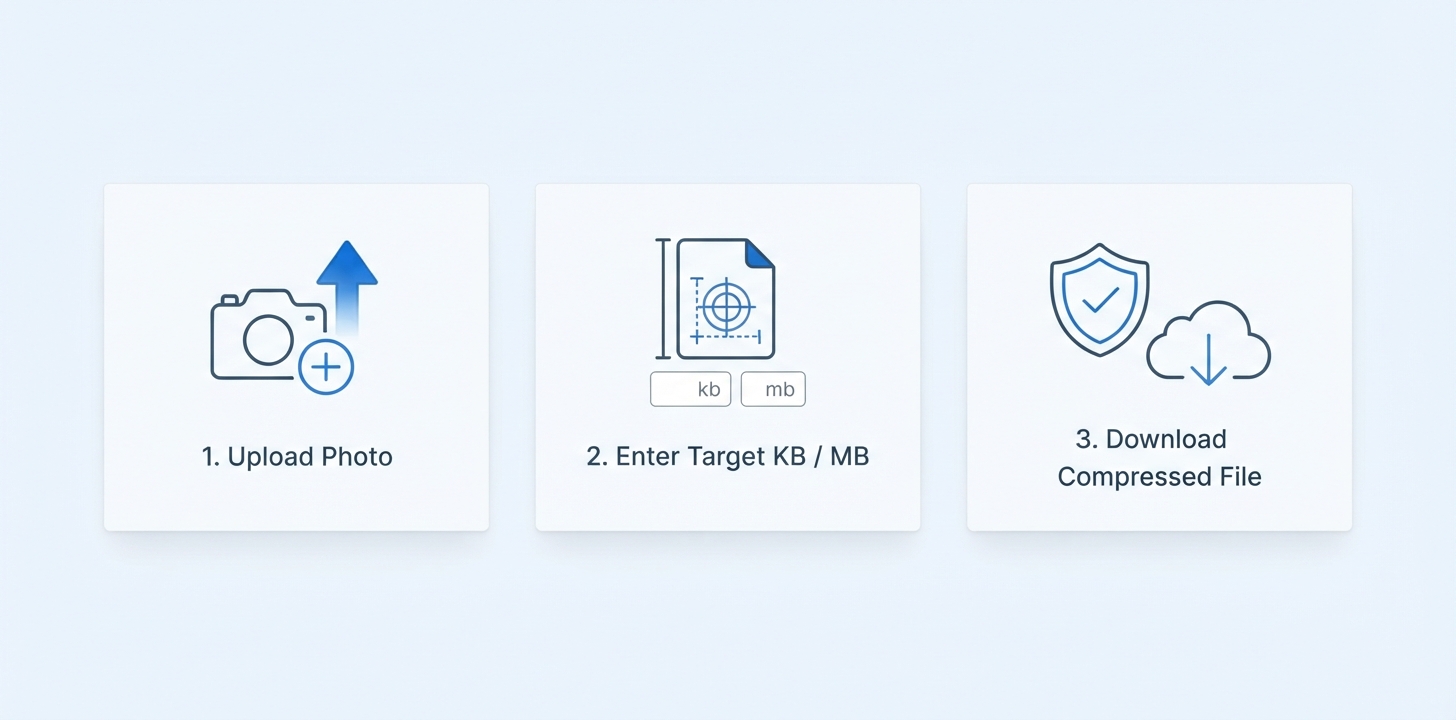
Upload up to 10 images (JPG, PNG, or WebP, up to 15 MB each), enter your target width and/or height in pixels (default 800×600), choose whether to lock the aspect ratio, and select your desired output format (PNG, JPG, or WebP).
REFERENCE MATRIX
| Use Case | Recommended Dimensions (px) | Aspect Ratio | Best Output Format |
|---|---|---|---|
| Full HD Web Hero / Banner | 1920 × 1080 px | 16:9 | WebP or JPG |
| Blog Post Featured Image | 1200 × 630 px | 1.91:1 (OpenGraph) | WebP or JPG |
| E-Commerce Product Square | 1000 × 1000 px | 1:1 | WebP or PNG |
| Standard Article Thumbnail | 800 × 600 px | 4:3 | WebP or JPG |
Questions and answers
Keep the "Maintain Aspect Ratio" toggle enabled. When locked, the resizer scales your image proportionally so that it fits within your target width and height bounding box without warping.
Yes, downscaling pixel dimensions (for example from 4000×3000 px to 1200×900 px) reduces the total number of pixels by over 90%, which significantly lowers file size—especially when exporting to JPG or WebP.
Yes, you can enter pixel dimensions larger than the source image, though upscaling a raster image interpolates existing pixels rather than creating new optical detail.
You can upload JPG, JPEG, PNG, and WebP images (up to 15 MB per file, 10 files per batch) and export the resized output as PNG, JPG, or WebP.
Your files are sent over an encrypted HTTPS connection to our high-speed image processing API, resized in memory, and returned directly to your browser without being permanently stored or shared.
If you want to trim the outer edges or change framing rather than scaling the entire canvas, use our dedicated Crop Image or Aspect Ratio tools.