How to Compress & Convert Images Without Losing Quality in 2026
Learn practical, verifiable techniques to resize, compress, and convert web images into WebP and AVIF without sacrificing visual clarity.
Read guideFREE ONLINE IMAGE COMPRESSOR
Processing: Server-processed (Encrypted HTTPS)TOOL OVERVIEW
Most image compressors rely on vague quality sliders where you pick high, medium, or low quality and hope the file size lands under your portal's limit. That fails when dealing with strict upload caps for job applications, visa forms, and government portals. Compressing to a target file size flips the workflow.
TECHNICAL SPECIFICATIONS & LIMITS
Below are the verified technical parameters, batch limits, and processing details for Compress to Target Size:
| Specification | Technical Behavior |
|---|---|
| Processing Architecture | Server-processed via encrypted HTTPS API (ephemeral memory, deleted within 30 minutes) |
| Accepted Input Formats | JPG, JPEG, PNG, WEBP |
| Output Format | Optimized JPEG, PNG, or WebP matching source |
| Batch Processing Limit | 10 files per batch |
| Configurable Parameters | Target size (KB); Output format (jpeg, png, webp) |
| Transparency / Alpha Handling | Preserved when output format supports alpha (PNG, WebP, ICO) |
Most image compressors rely on vague quality sliders where you pick high, medium, or low quality and hope the file size lands under your portal's limit. That fails when dealing with strict upload caps for job applications, visa forms, and government portals.
Compressing to a target file size flips the workflow. Instead of guessing quality levels, you enter the exact file size you need (e.g., under 200KB, 500KB, or 2MB) and our tool compresses the file automatically until it meets your requirement.
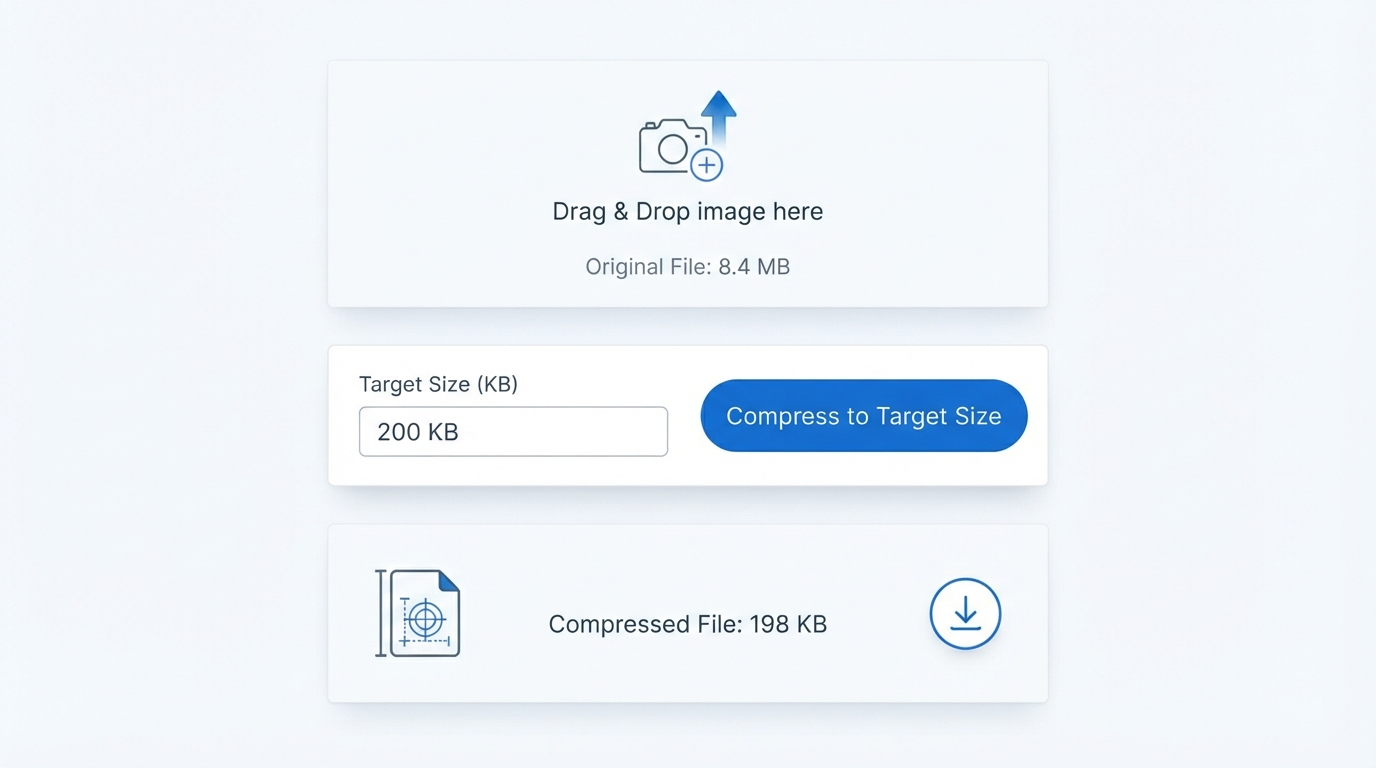
No design software, trial-and-error re-exports, or manual quality guessing required. Runs securely online on desktop, mobile, and tablet with zero software installation.
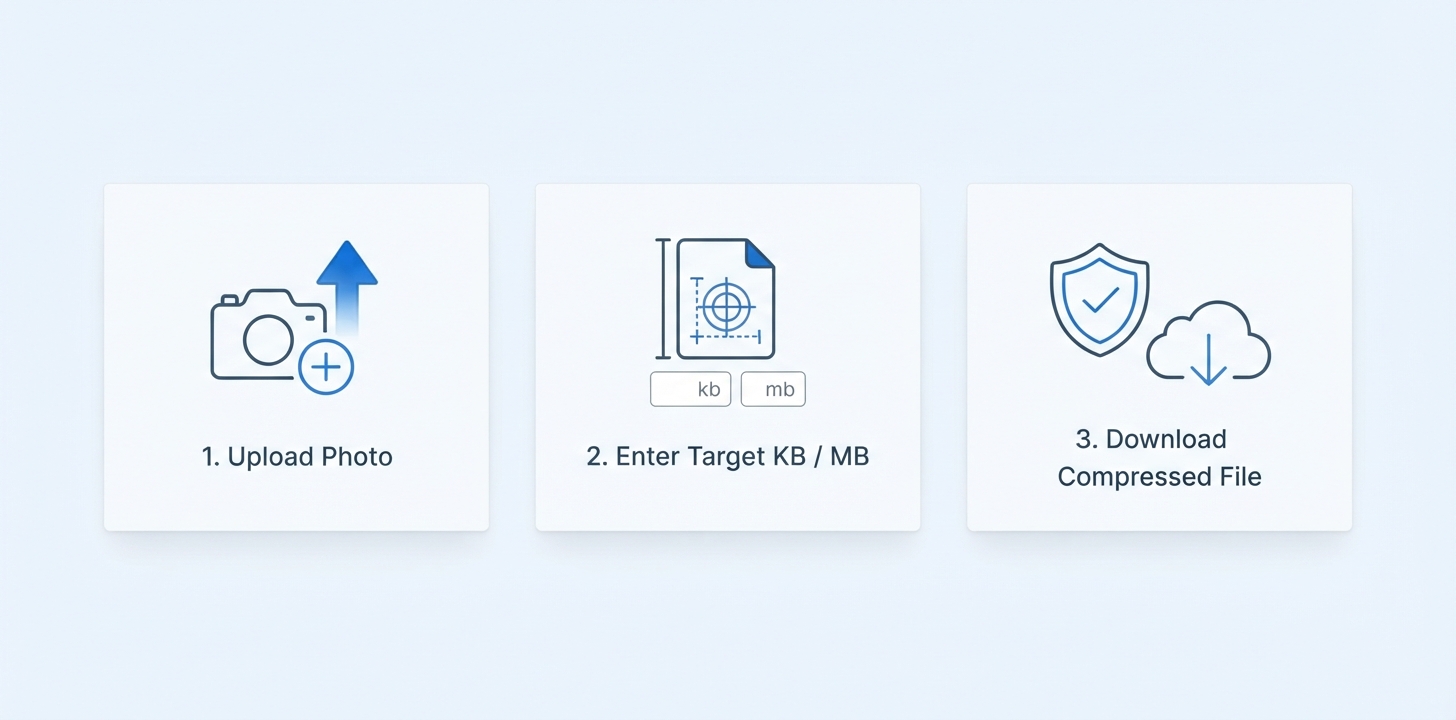
Different platforms ask for different upload limits. Here is how common target size compression works:
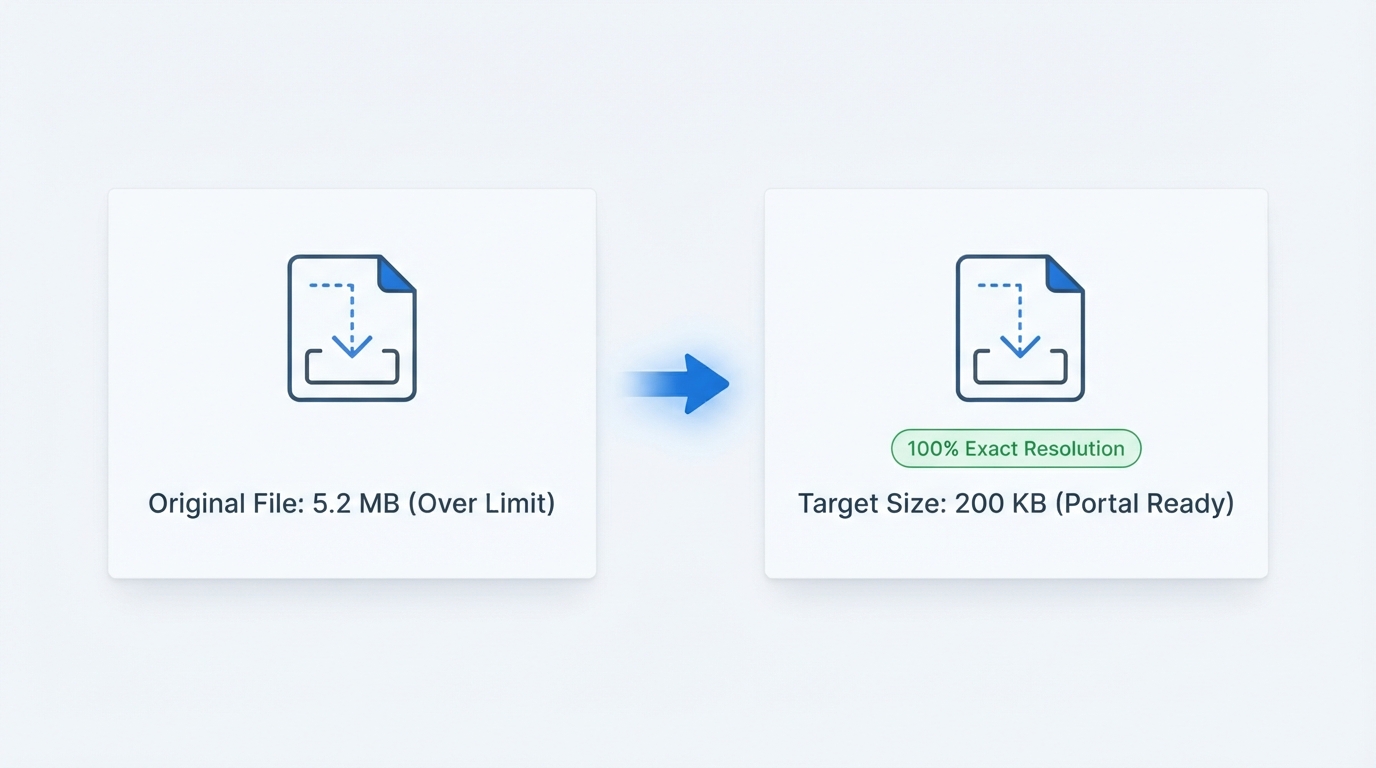
It depends on how far the file needs to shrink. If your original image is already close to your target size, compression is light and the difference is invisible. But if you are compressing an 8MB photo down to 200KB, some visual trade-off is unavoidable.
The tool is engineered to preserve maximum visual clarity at your chosen file size. Image dimensions stay exact — the width and height of your photo are never altered.
Enjoy fast, secure, and unrestricted image size compression:
REFERENCE MATRIX
| Target Size Goal | Typical Upload Portal Requirement | Visual Quality Expectation | Recommended Format |
|---|---|---|---|
| Compress to 200KB | Government exam forms, visa & ID portals | High clarity maintained for documents | JPG / JPEG |
| Compress to 500KB | Job application portals & online resume uploads | Excellent photo & text sharpness | JPG / PNG |
| Compress to 1MB / 2MB | Email attachments & corporate upload forms | Zero noticeable quality difference | JPG / WebP |
| Compress to 5MB | Large document scans & photo portfolio submissions | Master archival quality | JPG / PNG |
Questions and answers
Yes, completely free with no hidden costs or limits.
Yes, you can specify a custom target size in KB or MB rather than choosing from limited presets.
No, only file size is reduced — the width and height of your image stay exactly the same.
The tool compresses as close to your target as possible; results are typically very close to your requested KB or MB value.
It depends on how much the file needs to shrink — a small reduction stays nearly invisible, while compressing a large file down to a very small target will involve more visible visual trade-off.
Yes. Files are transmitted over encrypted TLS (HTTPS), processed strictly in ephemeral memory to reach your target byte cap, and automatically deleted within 30 minutes. We never store or share your files.
No. Access the tool directly from any modern web browser on iOS, Android, macOS, or Windows with zero setup.
Every image format has a minimum byte floor determined by its pixel dimensions (width × height). For example, an uncropped 4000×3000 px (12 MP) phone photo cannot physically compress below ~50–80 KB even at minimum quality. If your file remains above a very small target like 20 KB or 50 KB, first reduce its pixel dimensions using our Resize Image tool (e.g., 413×531 px for ID photos) and then run Compress to Target Size.