How to Compress & Convert Images Without Losing Quality in 2026
Learn practical, verifiable techniques to resize, compress, and convert web images into WebP and AVIF without sacrificing visual clarity.
Read guideEXACT 100 KB TARGET COMPRESSOR
Processing: Server-processed (Encrypted HTTPS)TOOL OVERVIEW
Many online application systems—including University Admission Portals, Corporate HR Workday/SAP Systems & Web Thumbnails—enforce a strict 50 KB to 100 KB upload limit and automatically reject files that exceed 100 KB (102,400 bytes).
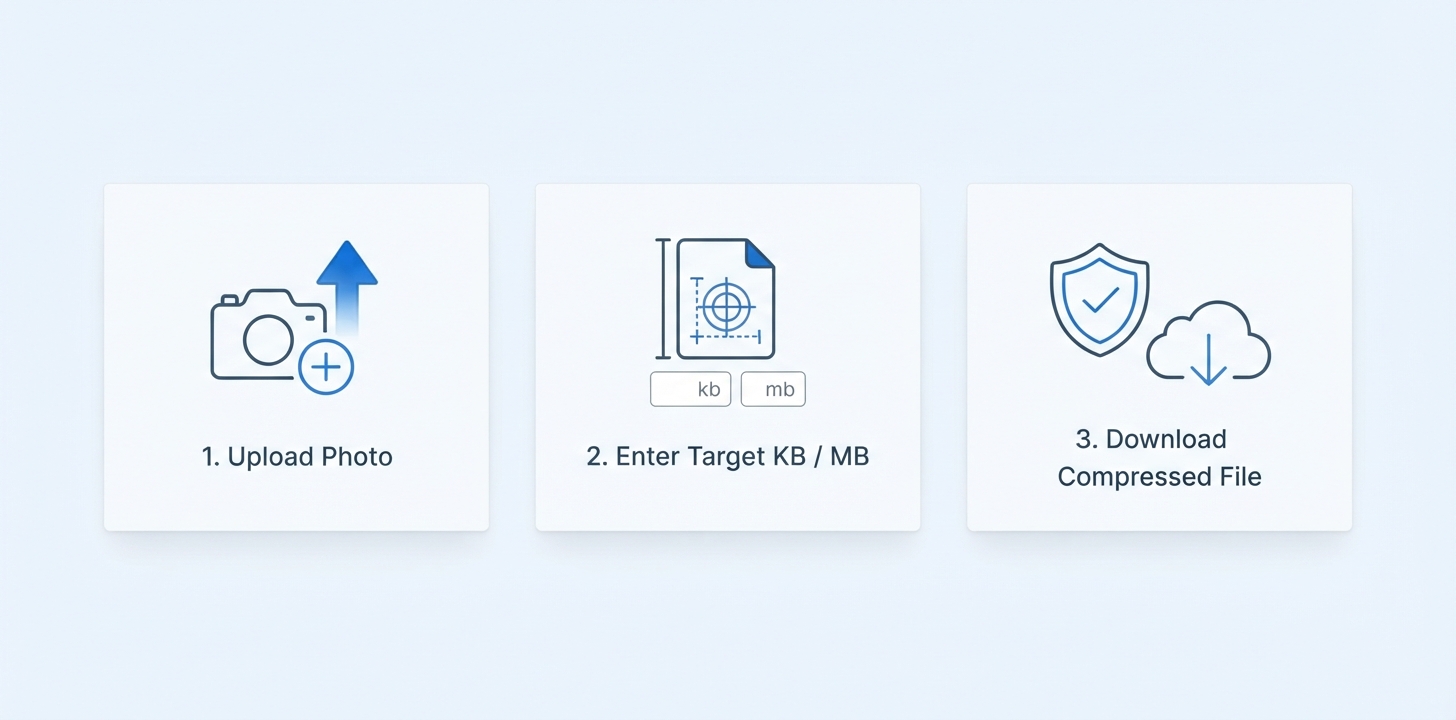
Instead of guessing quality percentages in an image editor and repeatedly checking file properties, our Compress Image to 100KB tool pre-fills the target byte budget to 100 KB and iteratively searches quantization levels to bring your image at or below 100 KB.
TECHNICAL SPECIFICATIONS & LIMITS
Below are the verified technical parameters, batch limits, and processing details for Compress Image to 100KB:
| Specification | Technical Behavior |
|---|---|
| Processing Architecture | Server-processed via encrypted HTTPS API (ephemeral memory, deleted within 30 minutes) |
| Accepted Input Formats | JPG, JPEG, PNG, WEBP |
| Output Format | Optimized JPEG, PNG, or WebP matching source |
| Batch Processing Limit | 10 files per batch |
| Configurable Parameters | Target size (KB) (default: 100); Output format (jpeg, png, webp) |
| Transparency / Alpha Handling | Preserved when output format supports alpha (PNG, WebP, ICO) |
When you upload your photo or scanned document, the target parameter is pre-set to 100 KB (with full manual override from 5 KB to 5,000 KB if your portal specifies a custom limit).
Our backend encoder runs an iterative binary search over quantization tables and chroma subsampling to approach 100 KB (102,400 bytes) while retaining maximum sharpness.
Every image codec (JPEG, PNG, WebP) has a physical minimum byte floor determined by the total number of pixels (width × height). For example, an uncropped 4000×3000 px (12-megapixel) smartphone photo contains 12 million pixels and often cannot compress below ~50–80 KB even at minimum quality (q=1).
If your output file is still over 100 KB—or if compressing a huge camera photo down to 100 KB makes it look soft—follow this two-step workflow:
REFERENCE MATRIX
| Parameter | Specification | Portal / Web Benefit |
|---|---|---|
| Default Target Ceiling | 100 KB (102,400 bytes) | Meets strict form upload validation |
| Primary Use Case | University Portals, Corporate HR Systems & Fast Web Thumbnails | Eliminates "File size exceeds maximum limit" errors |
| Supported Input Formats | JPG, JPEG, PNG, WebP (up to 15 MB) | Works with phone camera photos & scanner files |
| Adjustable Range | 5 KB – 5,000 KB | Pre-filled to 100 KB, customizable anytime |
Questions and answers
Our iterative encoder targets a ceiling of 100 KB (102,400 bytes). For standard web, document, and ID photo resolutions, the output lands at or below 100 KB. If you upload a raw multi-megapixel camera photo (e.g., 4000×3000 px) whose codec byte floor exceeds 100 KB, resize its pixel dimensions to 800×800 px to 1200×800 px first for a crisp ≤ 100 KB result.
If a high-resolution image cannot reach 100 KB at its original width and height, reduce its pixel dimensions first using our Resize Image tool (recommended: 800×800 px to 1200×800 px) and then run Compress to 100KB. Fewer pixels allow the encoder to stay strictly under 100 KB with sharp detail.
A 100 KB (102,400-byte) cap allows 800 px–1200 px images and scanned academic certificates to remain visually lossless while keeping page weight low enough to pass Google Core Web Vitals Largest Contentful Paint (LCP) targets on mobile connections.
The binary-search encoder aims as close to the 100 KB upper limit as possible without exceeding it, keeping your file safely inside the 50 KB to 100 KB acceptance window with maximum visual fidelity.
Yes. Although this page pre-fills 100 KB for convenience, you can type any custom target between 5 KB and 5,000 KB in the Target Size (KB) field.
Your files are transmitted over encrypted HTTPS, processed in isolated session storage, and automatically deleted within 30 minutes. We never publish, index, or share your documents.