How to Compress & Convert Images Without Losing Quality in 2026
Learn practical, verifiable techniques to resize, compress, and convert web images into WebP and AVIF without sacrificing visual clarity.
Read guideFREE ONLINE IMAGE COMPRESSOR
Processing: Server-processed (Encrypted HTTPS)TOOL OVERVIEW
Modern photos from phone cameras are often several megabytes each. That is fine for local storage, but it is overkill for online forms, email attachments, and web pages where large files slow down page load speed and trigger upload limits. Compression shrinks file size by re-encoding image data more efficiently — removing redundant data while maintaining visual clarity that is virtually indistinguishable to the human eye.
TECHNICAL SPECIFICATIONS & LIMITS
Below are the verified technical parameters, batch limits, and processing details for Compress Image:
| Specification | Technical Behavior |
|---|---|
| Processing Architecture | Server-processed via encrypted HTTPS API (ephemeral memory, deleted within 30 minutes) |
| Accepted Input Formats | JPG, JPEG, PNG, WEBP |
| Output Format | Preserves source image format (JPG, PNG, or WebP) |
| Batch Processing Limit | 10 files per batch |
| Configurable Parameters | Quality (1–100, default 75); Output format (jpeg, png, webp) |
| Transparency / Alpha Handling | Preserved when output format supports alpha (PNG, WebP, ICO) |
Modern photos from phone cameras are often several megabytes each. That is fine for local storage, but it is overkill for online forms, email attachments, and web pages where large files slow down page load speed and trigger upload limits.
Compression shrinks file size by re-encoding image data more efficiently — removing redundant data while maintaining visual clarity that is virtually indistinguishable to the human eye.
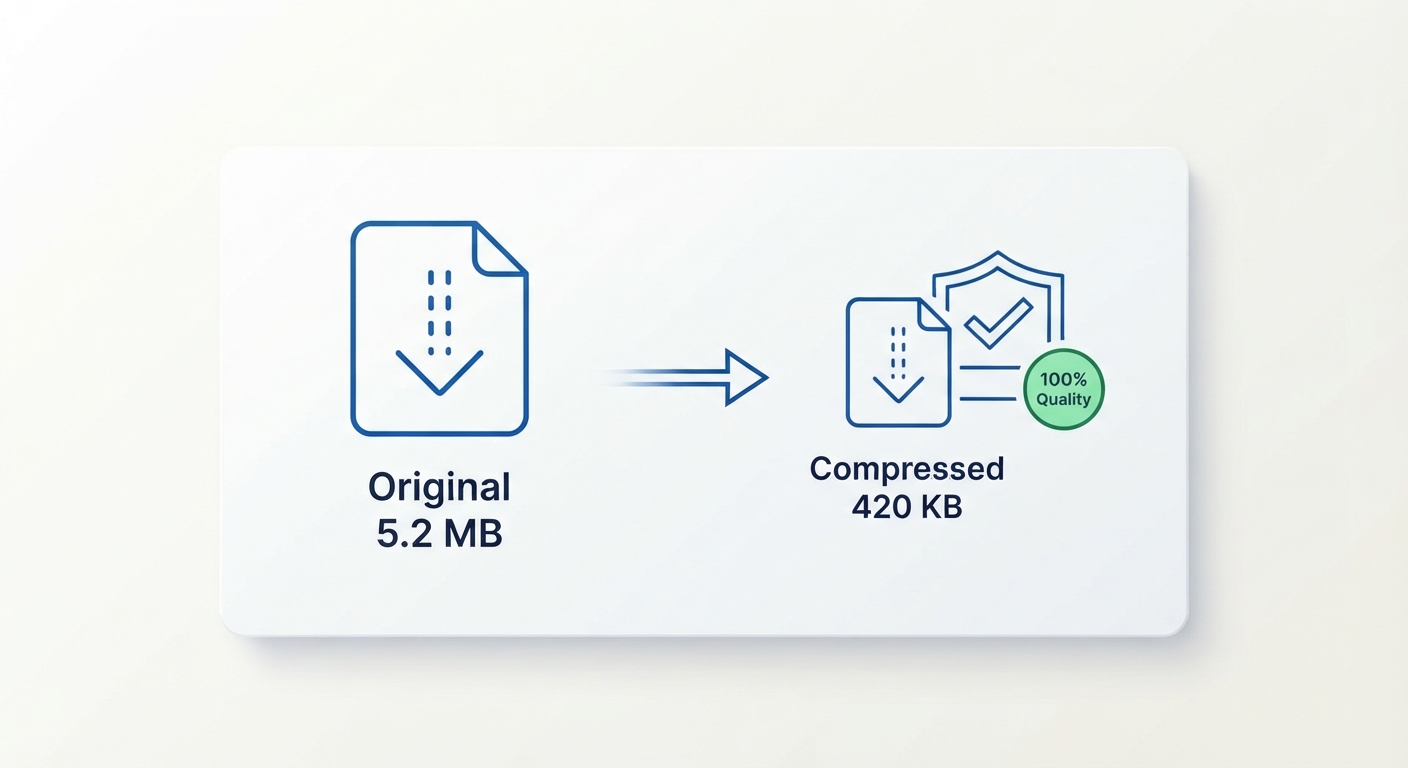
No apps or software downloads required. Handles file size reduction automatically without requiring manual setting adjustments.
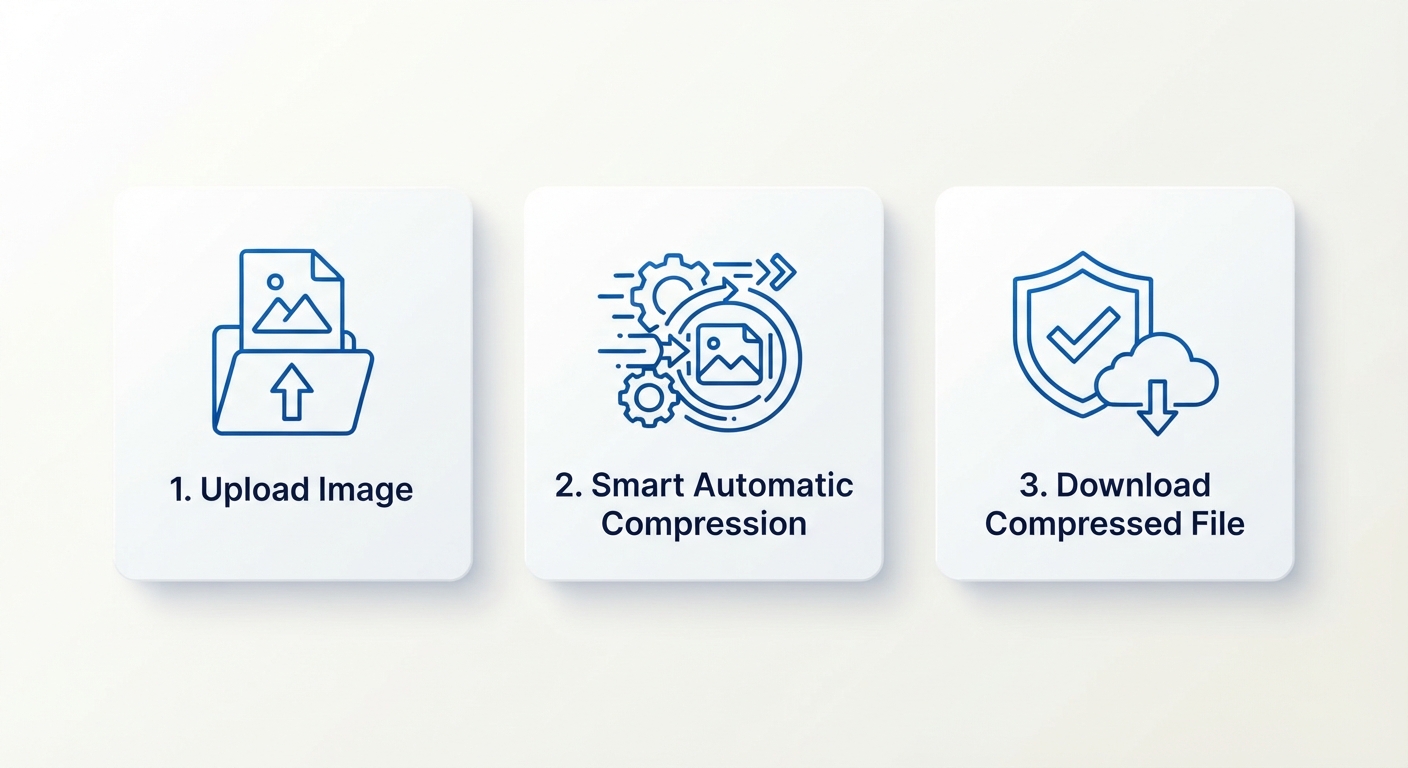
Our smart optimization algorithm analyzes your image and selects an optimal compression level to shrink file size while preserving original visual quality.
Pixel dimensions and image resolution stay 100% untouched. Compressing images before uploading to your website boosts page load speed and improves search engine ranking.
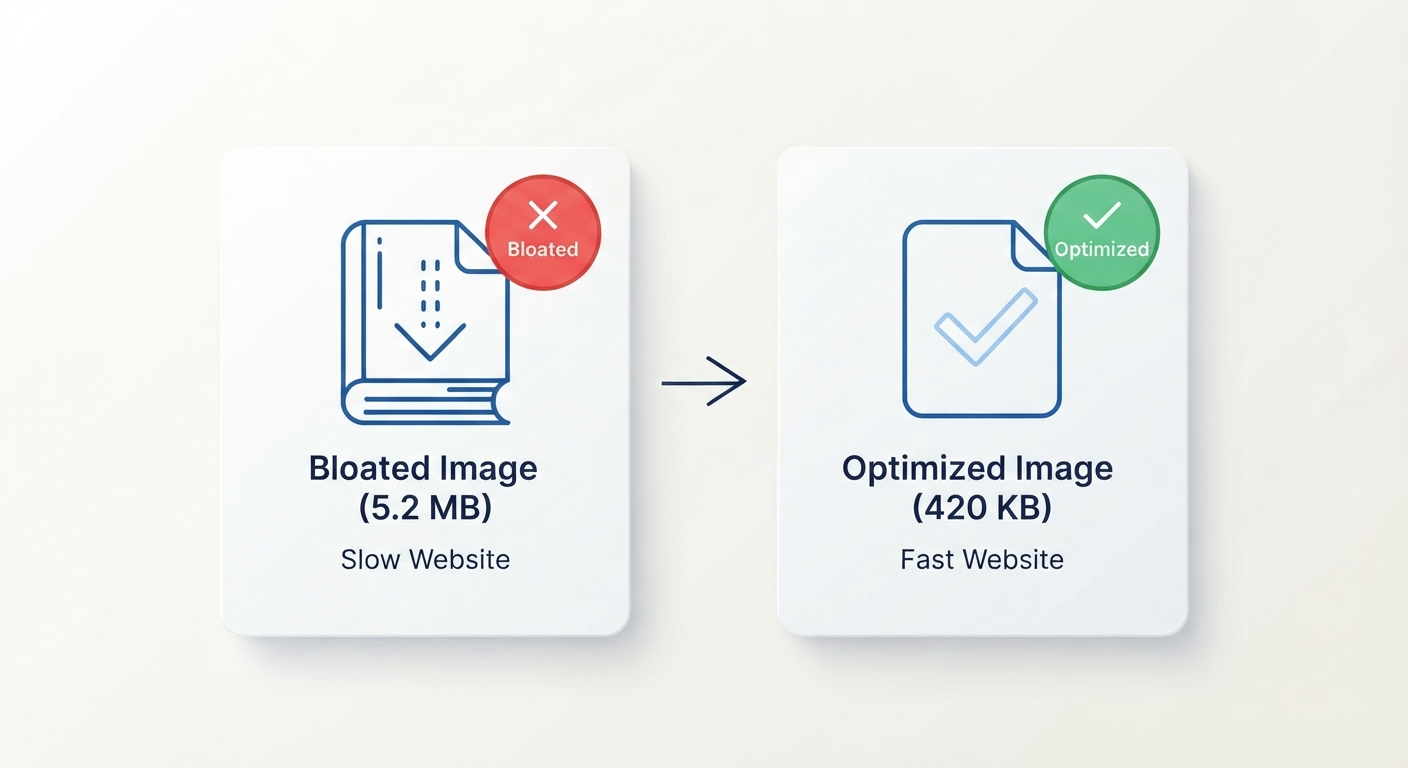
Understand compression modes and enjoy fast, encrypted HTTPS processing:
REFERENCE MATRIX
| Compression Type / Method | File Size Reduction | Visual Quality Preservation | Best Use Case |
|---|---|---|---|
| Smart Auto Compression | 60% - 80% Reduction | High (Indistinguishable to human eye) | Webpages, blogs & general sharing |
| Lossless Compression | 20% - 40% Reduction | 100% Identical (Pixel perfect) | Logos, PNG graphics & text screenshots |
| High Lossy Compression | 85% - 95% Reduction | Slight Quality Tradeoff | Email attachments & strict portal limits |
| Uncompressed Original | 0% (Original Size) | Maximum Original Master | Professional print & raw archival storage |
Questions and answers
Yes, completely free with no hidden costs.
Not at normal compression levels — the tool balances file size reduction with keeping visual quality intact.
No, dimensions and resolution stay exactly the same — only file size is reduced.
JPG, PNG, WebP, and GIF are all supported.
Yes, files are processed securely and are not stored or shared afterward.
Yes, batch compression is supported for handling several files together.
No, everything happens online without installing any software.