How to Compress & Convert Images Without Losing Quality in 2026
Learn practical, verifiable techniques to resize, compress, and convert web images into WebP and AVIF without sacrificing visual clarity.
Read guideOFFICIAL CANADA BIOMETRIC SPEC
Processing: Server-processed (Encrypted HTTPS)TOOL OVERVIEW
Unlike countries that use 35×45 mm or 2×2 inch squares, Immigration, Refugees and Citizenship Canada (IRCC) requires a taller 50 × 70 mm (2 × 2 3/4 inches) frame for Canadian passports, Permanent Resident (PR) cards, and citizenship applications—corresponding to 591 × 827 pixels at 300 DPI.
Inside the 50 × 70 mm frame, the height of the face from chin to crown must measure between 31 mm and 36 mm (1 1/4 inches to 1 7/16 inches), with the top of the shoulders squared to the camera against a plain white or light-colored background.
TECHNICAL SPECIFICATIONS & LIMITS
Below are the verified technical parameters, batch limits, and processing details for Canada Passport Photo (50x70 mm):
| Specification | Technical Behavior |
|---|---|
| Processing Architecture | Server-processed via encrypted HTTPS API (ephemeral memory, deleted within 30 minutes) |
| Accepted Input Formats | JPG, JPEG, PNG, WEBP |
| Output Format | High-resolution 300 DPI JPEG (.jpg) |
| Batch Processing Limit | 10 files per batch |
| Configurable Parameters | Country (pakistan, usa, uk, schengen, india, canada…); DPI (72–600, default 300); Output format (jpeg, png, webp) |
| Transparency / Alpha Handling | Flattened onto solid background (JPEG does not store an alpha channel) |
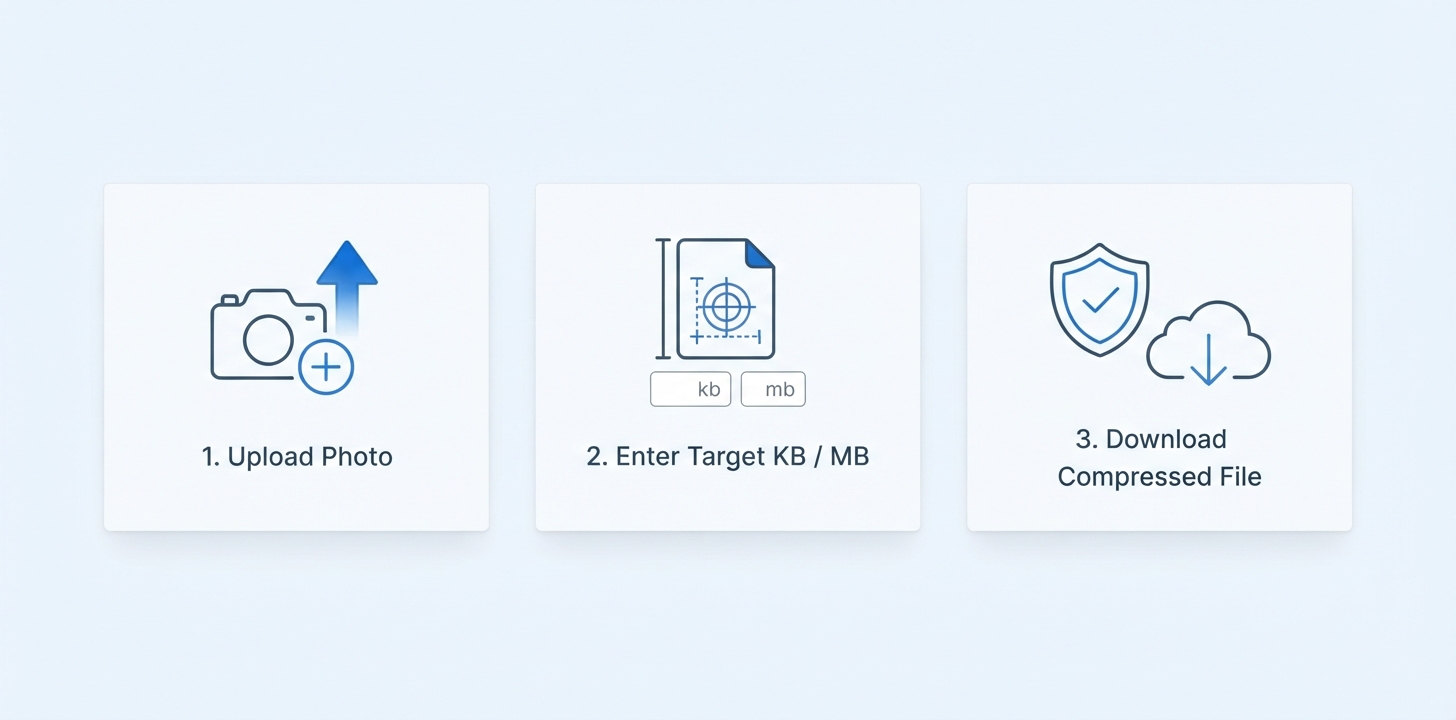
This page pre-selects the "Canada" preset (50 × 70 mm (2 × 2 3/4 inches)) in our Passport Photo tool. Upload a well-lit front-facing portrait and generate a print-ready or portal-ready biometric image in seconds.
REFERENCE MATRIX
| Specification | Official Requirement | Toolcolabs Preset |
|---|---|---|
| Physical Print Size | 50 × 70 mm (2 × 2 3/4 inches) | Canada (50 × 70 mm) Pre-selected |
| Digital Resolution (300 DPI) | 591 × 827 pixels at 300 DPI (IRCC PR portal accepts ≥ 420×540 px) | 591 × 827 px (300 DPI JPEG) |
| Official Authority | Immigration, Refugees and Citizenship Canada (IRCC) | Supported |
| Official Specification Source | Government of Canada Passport & PR Photo Specs (canada.ca/en/immigration-refugees-citizenship) | Verified 50×70 mm Spec |
| Crown-to-Chin Rule | 31 mm to 36 mm (1 1/4 in to 1 7/16 in) with squared shoulders and neutral expression | Biometric Center Framing |
Questions and answers
Canada uses its own national passport specification of 50 mm wide by 70 mm high (2 × 2 3/4 inches), which equals 591 × 827 pixels at 300 DPI. Standard 2×2 inch US photos or 35×45 mm European photos are rejected by IRCC.
IRCC mandates that the length of the face from the bottom of the chin to the crown of the head (natural top of skull) must be between 31 mm and 36 mm.
Yes. The IRCC Permanent Resident portal and online citizenship applications require a digital JPEG with at least 420 × 540 pixels and a 5:7 aspect ratio—our 591 × 827 px (300 DPI) output meets those exact digital requirements.
For digital portal uploads (PR portal, eTA, Temporary Resident Visa), no physical stamp is needed. If you are mailing a physical paper passport application inside Canada, note that IRCC requires the name, address, and date stamp of a commercial photographer on the back of one printed photo.
This tool formats and crops your portrait to 50 × 70 mm (591 × 827 px). If you need to change a colored background to solid white first, use our Change Background tool.
Your uploaded portrait is processed over encrypted HTTPS in isolated memory and automatically deleted within 30 minutes.