How to Compress & Convert Images Without Losing Quality in 2026
Learn practical, verifiable techniques to resize, compress, and convert web images into WebP and AVIF without sacrificing visual clarity.
Read guideFREE ONLINE PASSPORT PHOTO GENERATOR
Processing: Server-processed (Encrypted HTTPS)TOOL OVERVIEW
You need a passport photo, and the nearest photo studio wants you to book an appointment, wait in line, and pay for something you could technically do yourself in five minutes. Passport and visa photos have strict size and formatting rules, which is exactly why most people avoid trying to make one at home — one wrong measurement and your application gets rejected. This tool handles the sizing and formatting automatically, so you can create a compliant passport, visa, or ID photo online, for free, without any of that hassle.
TECHNICAL SPECIFICATIONS & LIMITS
Below are the verified technical parameters, batch limits, and processing details for Passport Photo:
| Specification | Technical Behavior |
|---|---|
| Processing Architecture | Server-processed via encrypted HTTPS API (ephemeral memory, deleted within 30 minutes) |
| Accepted Input Formats | JPG, JPEG, PNG, WEBP |
| Output Format | Preserves source image format (JPG, PNG, or WebP) |
| Batch Processing Limit | 10 files per batch |
| Configurable Parameters | Country (pakistan, usa, uk, schengen, india, canada…); DPI (72–600, default 300); Output format (jpeg, png, webp) |
| Transparency / Alpha Handling | Flattened onto solid background (JPEG does not store an alpha channel) |
Passport, visa, and ID photos aren't like regular photos — they follow exact size, background, and framing rules set by each country's government or issuing authority. Get the dimensions wrong, use the wrong background color, or crop your face slightly off-center, and there's a real chance your application gets bounced back or delayed.
Making one at home without guidance means guessing at measurements, which is risky when you're paying application fees and waiting on processing times. A passport photo maker takes that guesswork out — you upload a normal photo, and the tool crops and formats it to the exact specification required, whether that's for a US passport, UK passport, Canadian passport, Australian passport, Pakistani passport, or a visa application.
Here's how to create a passport photo from a normal picture, no software needed:
That covers how to make a passport size photo online and how to resize a photo for passport requirements — same process either way, since the tool adjusts automatically based on what you select.
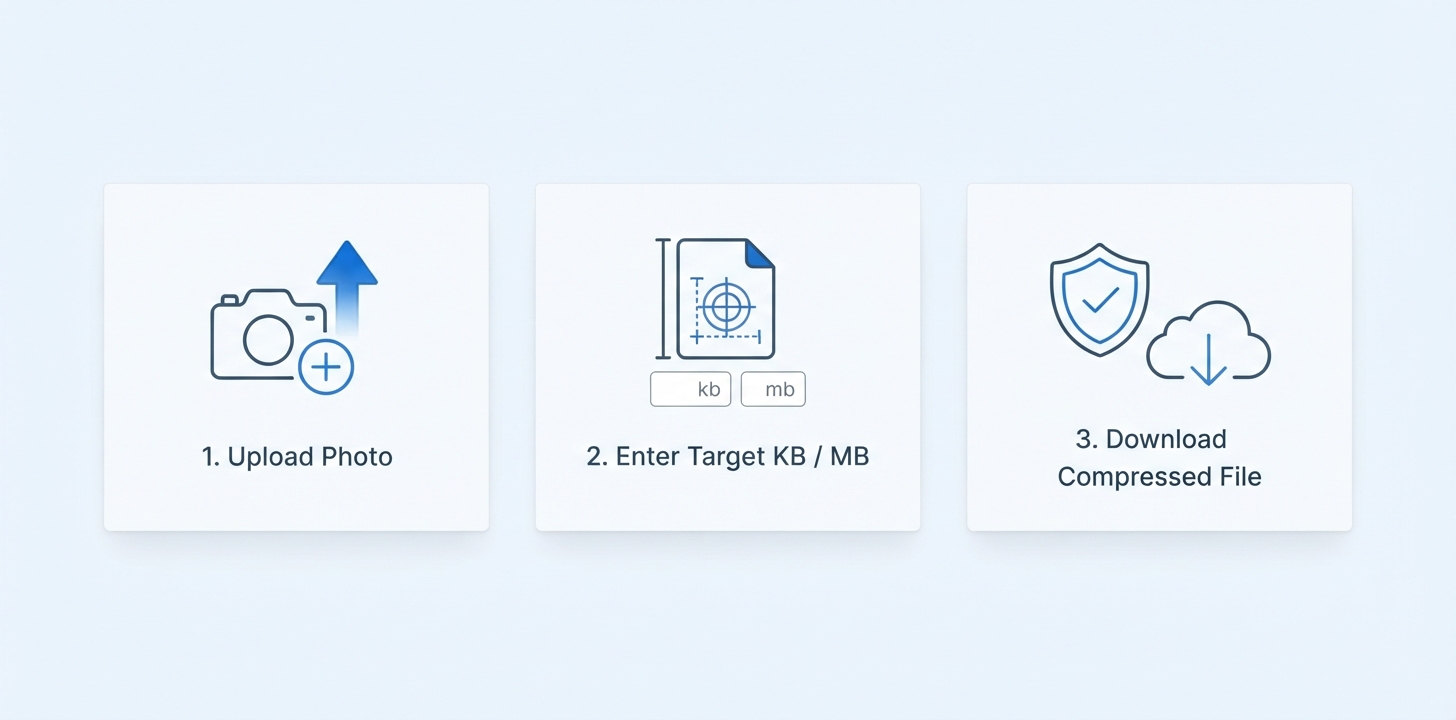
Every country has its own exact specifications, so here's a quick reference for some of the most commonly requested ones:
These are general guidelines, and it's always worth double-checking against your specific country's current official requirements before submitting an application, since rules can be updated. The tool's presets are built around these standard specifications to save you the manual measuring.
Not sure if a photo you already have meets the requirements? A passport photo size checker compares your image against the official dimensions for your selected country or document type and flags whether it's compliant — useful if you've already got a photo and just want to confirm it'll pass before you submit it, rather than finding out after the fact.
Many passport and visa applications require physical printed copies, and printing a single 2x2 inch photo on a full sheet of paper wastes both paper and money at the print shop. Here's how to print multiple passport photos on one page:
This is the same approach passport photo studios use — printing a grid of identical photos on one sheet, then cutting them apart.
REFERENCE MATRIX
| Country / Region | Document Type | Official Photo Dimensions | Background Requirement |
|---|---|---|---|
| United States (US) | US Passport & US Visa | 2 x 2 inches (51 x 51 mm) | Plain White or Off-White |
| United Kingdom (UK) | UK Passport & Driving License | 35 x 45 mm | Plain Light Grey or Cream |
| Canada | Canada Passport | 50 x 70 mm | Plain Solid White |
| Australia | Australia Passport | 35 x 45 mm | Plain White or Light Grey |
| Pakistan | NADRA Passport & CNIC | 35 x 45 mm | Plain Solid White |
| Schengen Visa | Europe Visa | 35 x 45 mm | Light Colored (White/Light Grey) |
Questions and answers
Yes, completely free with no hidden costs.
Yes, the tool supports common specifications for countries like the US, UK, Canada, Australia, and Pakistan, among others.
No, you can make passport photos without Photoshop, using just a regular photo and this tool.
The size checker feature compares your photo against the official dimensions for your selected country or document type.
Yes, the tool can arrange multiple copies of your photo onto a single printable page.
Yes, files are processed securely and aren't stored or shared afterward.
Yes, visa photo sizing is supported alongside passport and general ID photo formats.
No, there's no registration or account required at all.