How to Compress & Convert Images Without Losing Quality in 2026
Learn practical, verifiable techniques to resize, compress, and convert web images into WebP and AVIF without sacrificing visual clarity.
Read guideFREE ONLINE IMAGE CROPPER
Processing: Server-processed (Encrypted HTTPS)TOOL OVERVIEW
You've got a photo, but it's got too much background, an awkward extra person at the edge, or just the wrong shape for whatever you're posting it to. Opening Photoshop for a two-second crop feels like overkill. This tool lets you crop an image online, free, online — no software, no signup, no watching an hourglass spin.
TECHNICAL SPECIFICATIONS & LIMITS
Below are the verified technical parameters, batch limits, and processing details for Crop Image:
| Specification | Technical Behavior |
|---|---|
| Processing Architecture | Server-processed via encrypted HTTPS API (ephemeral memory, deleted within 30 minutes) |
| Accepted Input Formats | JPG, JPEG, PNG, WEBP |
| Output Format | Preserves source image format (JPG, PNG, or WebP) |
| Batch Processing Limit | 10 files per batch |
| Configurable Parameters | Left; Top; Right; Bottom; Output format (jpeg, png, webp) |
| Transparency / Alpha Handling | Preserved when output format supports alpha (PNG, WebP, ICO) |
Cropping trims your photo down to just the part you want, without touching quality or file format. It's different from resizing — resizing shrinks or enlarges the whole image, while cropping cuts away the edges to change the framing or shape entirely. You'd crop to remove distracting background, tighten a portrait, fit a photo into a square for a profile picture, or match a platform's specific aspect ratio requirement.
A lot of everyday uses come down to shape: profile pictures usually want a perfect square, video thumbnails want widescreen, and some platforms have very particular ratio requirements that a straight, uncropped photo just won't fit.
No installs, no design software — here's how to crop a photo online for free:
That's how to crop an image without Photoshop — the whole process happens right in the browser, no separate app needed.
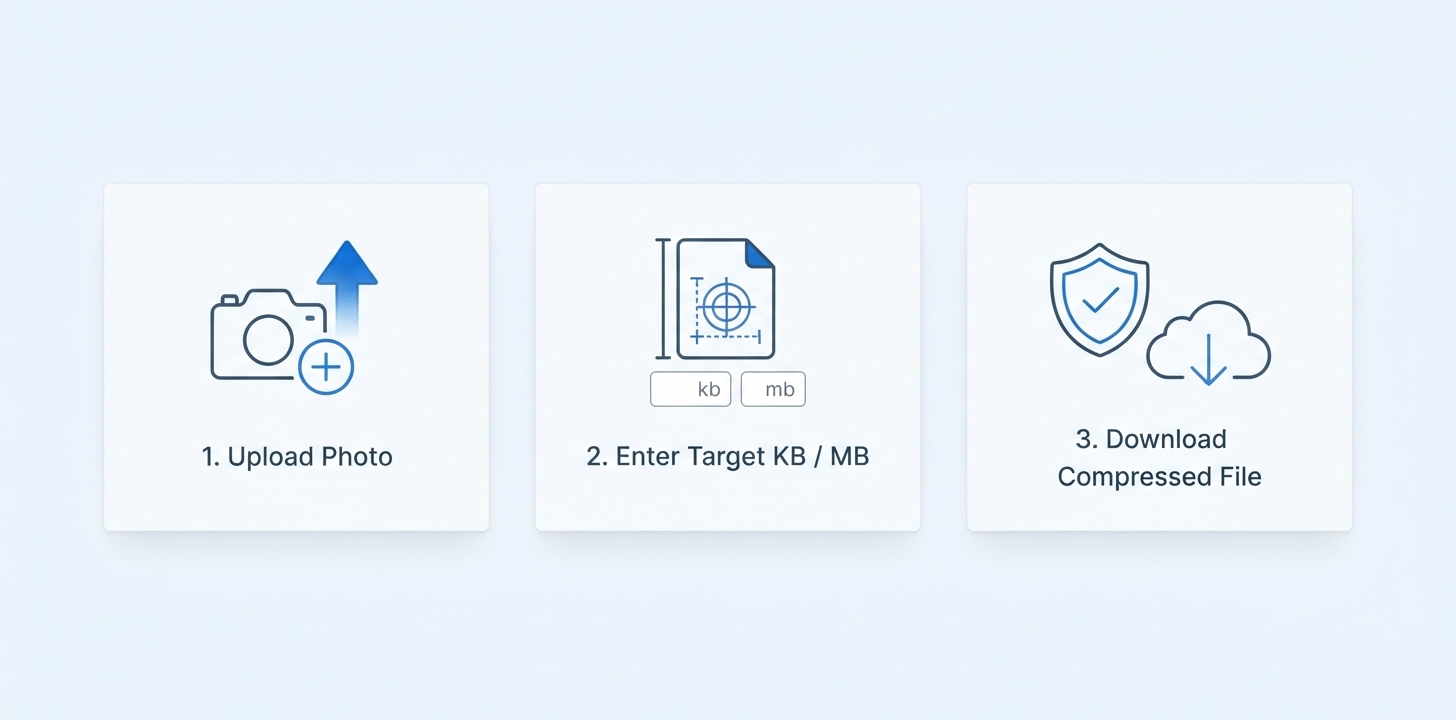
If you've got a batch of photos that all need the same crop treatment, here's how to crop multiple images at once:
Useful for things like product photos that all need to be square, or a set of headshots that need the same consistent framing.
Different situations call for different shapes, so here's a quick breakdown:
Cropping itself doesn't compress or degrade your image — you're just selecting a smaller portion of the original pixel data, not re-encoding the whole file at a lower quality. So a proper crop looks exactly as sharp as the original photo, just framed differently.
The one thing to keep in mind: if you crop a small section out of a photo, that cropped piece has fewer total pixels than the full image did. It's not 'quality loss' in the compression sense, but a tightly cropped section blown up too large afterward can look softer, simply because there's less original detail to work with in that smaller area. For most everyday crops — square profile pictures, standard ratio adjustments — this isn't something you'll notice at all.
REFERENCE MATRIX
| Crop Preset / Aspect Ratio | Framing & Shape | Primary Use Case | Common Platform Application |
|---|---|---|---|
| Square (1:1) | Equal Width & Height Box | Profile Pictures & Avatars | Instagram Feed, LinkedIn, WhatsApp |
| Circle | Circular Mask Framing | Round Profile Badges | Messaging Apps, Forum Avatars |
| Widescreen (16:9) | Landscape Video Ratio | Header Covers & Banners | YouTube Thumbnails, Hero Images |
| Standard (4:3) | Classic Photo Ratio | Print & Presentation Slides | Digital Photo Frames, Slideshows |
| Freeform Custom | Drag Handles Adjustable | Subject Isolation | Graphics Design, Custom Editing |
Questions and answers
Yes, completely free with no hidden costs.
No, cropping happens entirely online without installing any software.
No, cropping doesn't compress or degrade the image — it just selects a smaller portion of the original pixel data.
Yes, circular cropping is supported alongside square and custom shapes.
Use the 1:1 square preset for standard Instagram grid posts, which is the most common format the platform displays.
Yes, batch cropping is supported for cropping several images together.
No, your cropped image comes out clean with no watermark added.
Yes, files are processed securely and aren't stored or shared afterward.