
Quick Answer (48 words):
Strategic emoji usage in web UI, email subject lines, and onboarding checklists helps break up dense text and guide visual attention. Because native Unicode emojis render directly from the user's operating system font, they add zero network byte overhead—provided developers pair decorative symbols with accessible ARIA attributes.
The Role of Unicode Symbols in Modern Interface Design
Standardized by the Unicode Consortium, emojis have evolved from casual messaging icons into functional typography elements used across documentation portals, SaaS dashboards, changelogs, and e-commerce interfaces. When used thoughtfully, a single symbol provides an immediate visual cue before a user reads the accompanying label.
Rather than replacing custom brand iconography everywhere, product teams often use native symbols from our Online Emoji & Symbol Library in release notes, callout banners, and category navigation to improve scannability without adding external image assets.
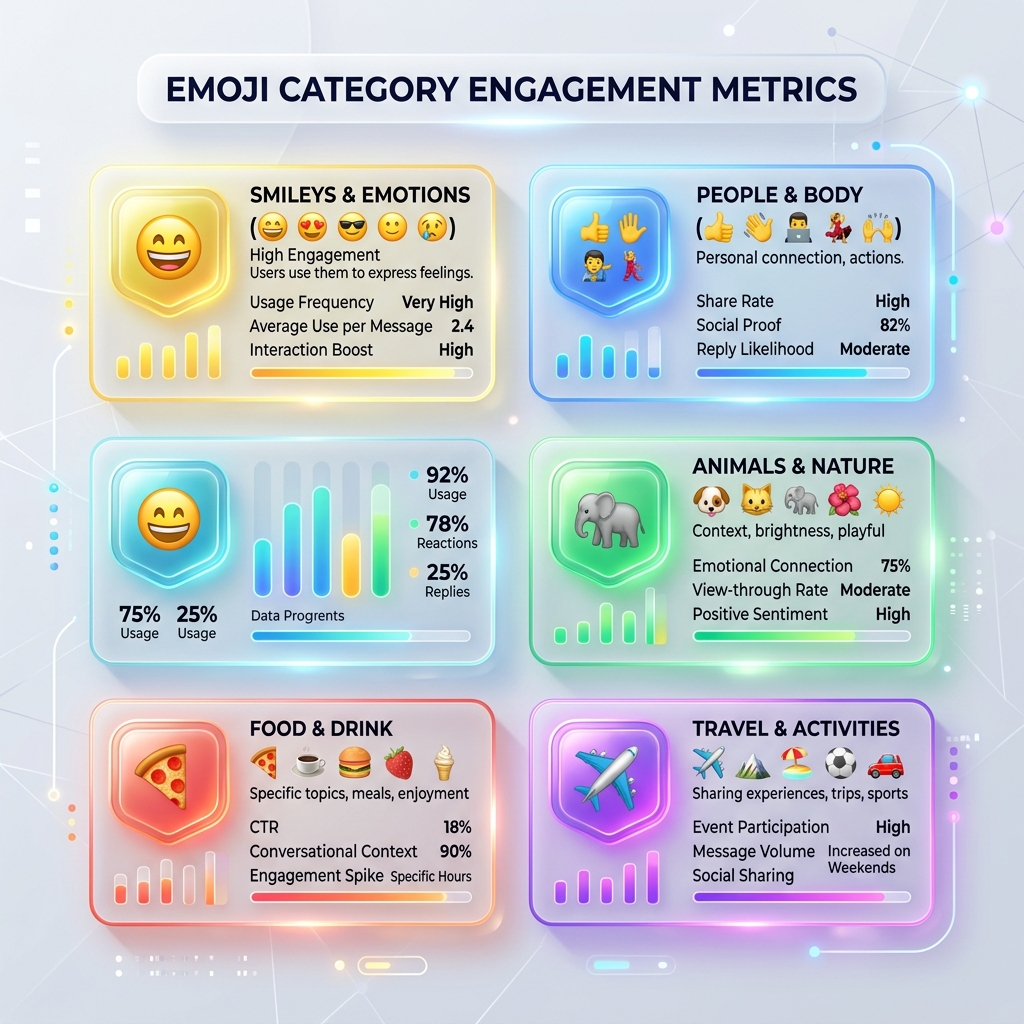
Visual Anchors and Scannability
When visitors scan a long documentation page or feature comparison table, unbroken paragraphs create visual fatigue. Pairing a concise heading or list item with a clear symbol—such as a checkmark (✅) from our Symbols Collection or a friendly expression from Smileys & Emotion—creates predictable visual landmarks.
Zero-Network-Byte Iconography in UI/UX
Loading third-party icon fonts or large SVG sprite sheets adds HTTP requests and render-blocking CSS/font weight. Native OS emojis (Apple Color Emoji on iOS/macOS, Segoe UI Emoji on Windows, Noto Color Emoji on Android/Linux) are already installed locally on the client device and occupy only 4 bytes of UTF-8 text per code point.
| Emoji / Symbol | UI Context | Common Web Application |
|---|---|---|
| 🚀 | Launch, Release, Quick Start | Changelog headers, "Getting Started" documentation guides |
| 🔒 | Security, Encryption, Privacy | Privacy badges, authentication settings, checkout trust notes |
| 💡 | Tip, Note, Helpful Context | Documentation callout blocks and inline onboarding hints |
| ⚡ | Instant Action, Performance | Client-side processing badges and keyboard shortcut callouts |
Search Snippets, Accessibility (WCAG), and Localization
While Google indexes Unicode characters in titles and meta descriptions—and a relevant symbol (such as ✓ or → from our Non-Emoji Symbols page) can make a result visually distinct—search engines automatically strip symbols that look spammy or unrelated to the query.
For accessibility compliance under the W3C Web Accessibility Initiative (WAI) guidelines, remember that assistive screen readers announce the literal Unicode description of every visible emoji. If an emoji is purely decorative next to a text label, wrap it in <span aria-hidden="true"> so screen readers do not read redundant descriptions aloud. When an emoji conveys standalone meaning, wrap it in <span role="img" aria-label="...">.
Frequently Asked Questions (FAQs)
Are emojis appropriate for B2B websites and SaaS interfaces?
Yes, when used sparingly as visual signposts in changelogs, onboarding checklists, callout boxes, and status badges. Avoid overusing emojis in dense legal or financial copy where clarity and formality are paramount.
Can I use emojis in HTML title tags and meta descriptions?
Google supports Unicode characters in titles and meta descriptions, and a relevant symbol can improve visual scannability in search results. However, Google Search Central notes that emojis may be omitted from snippets if they appear repetitive, misleading, or out of context.
Do native emojis slow down website loading speed?
No. Unlike external SVG sprite sheets or icon font files, native Unicode emojis are rendered by the operating system font already installed on the user’s device, requiring zero additional network requests.
How do screen readers handle emojis for visually impaired users?
Screen readers announce the official Unicode CLDR name of each emoji (for example, 🔥 is read aloud as "fire"). Never replace essential nouns or verbs with emojis mid-sentence, and wrap decorative symbols in aria-hidden="true" when adjacent text already conveys the meaning.